EasyManua.ls Logo

KStar KSG-3.6K-SM - User Manual

KStar KSG-3.6K-SM
32 pages
Print Icon
To Next Page IconTo Next Page
Loading...
User Manual
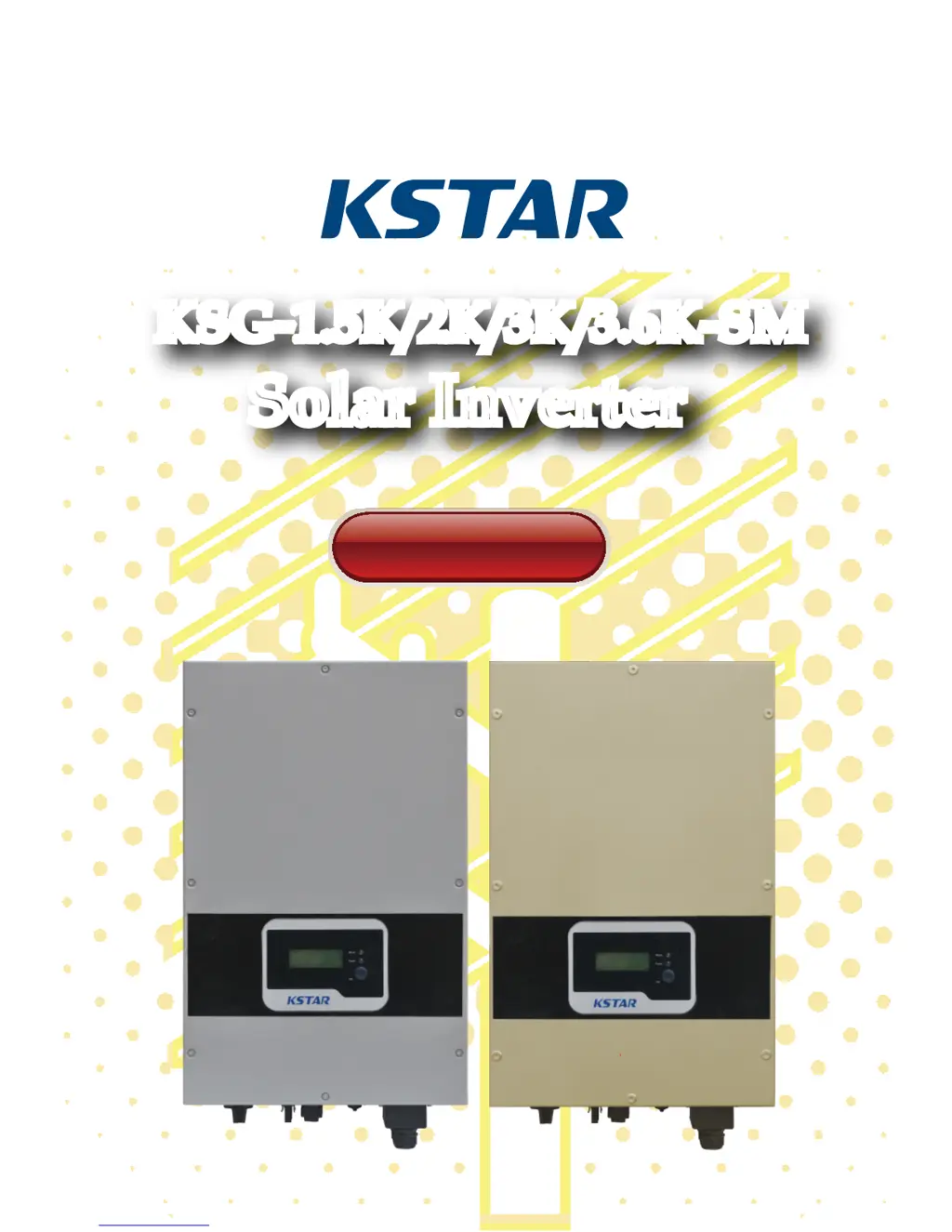
KSG-1.5K/2K/3K/3.6K-SM
Solar Inverter
KSG-1.5K/2K/3K/3.6K-SM
Solar Inverter

Questions and Answers

  • R
    ryancarterAug 15, 2025
    What to do if my KStar KSG-3.6K-SM shows a Grid Fault?
    • K
      Katherine OrtizAug 15, 2025
      If you're experiencing a Grid Fault with your KStar Inverter, first check if the local municipal grid voltage and frequency comply with the inverter's specifications. If the problem persists, wait for 2 minutes to see if the inverter automatically recovers. If it doesn't, further assistance is needed.
  • C
    Cindy TurnerAug 18, 2025
    How to fix a Communication Fault on a KStar KSG-3.6K-SM?
    • M
      megan82Aug 18, 2025
      If you have a Communication Fault with your KStar Inverter, try restarting the equipment to see if the issue resolves. If the fault continues, further assistance is needed.
  • R
    Robert DownsAug 21, 2025
    What to do if my KStar KSG-3.6K-SM says 'No Grid'?
    • M
      Matthew MillerAug 21, 2025
      If your KStar Inverter indicates 'No Grid', first, check whether the inverter is properly connected to the municipal grid. Second, verify the cable connection between the inverter and the municipal grid. If the issue persists, further assistance is needed.
  • M
    Melissa HallAug 26, 2025
    Why is my KStar KSG-3.6K-SM showing an Over Temperature Fault?
    • R
      Richard MendozaAug 26, 2025
      If you're getting an Over Temperature Fault on your KStar Inverter, the inverter's temperature might be too high. Try moving the inverter to a cooler location. If the fault persists, further assistance is needed.
  • D
    Daniel GordonAug 28, 2025
    What to do if a KStar KSG-3.6K-SM Inverter has a Current Leakage Fault?
    • L
      Lindsey WarrenAug 28, 2025
      If you're experiencing a Current Leakage Fault with your KStar Inverter: 1. Turn off the inverter and check for leakage in peripheral facilities. 2. After eliminating any peripheral interference, reconnect to the PV array and check for leakage again. If the problem persists, further assistance is needed.
  • N
    Nicholas BrownSep 1, 2025
    How do I troubleshoot a BUS Over Voltage error on a KStar KSG-3.6K-SM Inverter?
    • F
      faithramosSep 1, 2025
      If your KStar Inverter shows a BUS Over Voltage error, try restarting the equipment to see if the issue is resolved. If the fault persists, further assistance is needed.
  • E
    Elizabeth DaySep 4, 2025
    What should I do if my KStar Inverter shows a DCI Fault?
    • A
      Ashley ClarkSep 4, 2025
      If your KStar Inverter displays a DCI Fault, it indicates that the DC component in the output current is too high. Wait for 2 minutes after the alarm occurs to see if the inverter automatically recovers. If the fault persists, further assistance is needed.
  • A
    Ashley GreenSep 7, 2025
    How to troubleshoot an Insulation Resistance Fault on a KStar KSG-3.6K-SM Inverter?
    • H
      howardbeckySep 7, 2025
      If you encounter an Insulation Resistance Fault on your KStar Inverter: 1. Turn off the inverter and restart it to see if the alarm reappears. 2. If the alarm persists, check if the resistance of PV + to earth and PV – to earth is greater than 2MΩ. 3. If the resistance is less than 2MΩ, further assistance is needed.
  • P
    Pamela RivasSep 12, 2025
    What to do if my KStar Inverter shows an Equipment Fault?
    • C
      Colleen AlvarezSep 12, 2025
      If your KStar Inverter is showing an Equipment Fault, try restarting the equipment to see if the issue clears. If the fault persists, further assistance is needed.

Summary

User Guide

Safety Instructions

Electric Shock

Precautions against electric shock from AC and DC connections during maintenance or installation.

Operation of Inverter

Specifies professional operation, good condition, and safe disconnection procedures before opening.

Requirement for Grid Connections

States the inverter is solely for municipal power grid supply and not for other energy resources.

High Temperature Protection

Warns that parts like cooling fins can reach 60°C and advises against touching them to avoid scalds.

Product Warranty

Overview

Introduction of Grid-connected System

Describes the four components of a grid-connected system: PV array, inverter, AC connection unit, and public grid.

Brief Introduction of PV Inverter

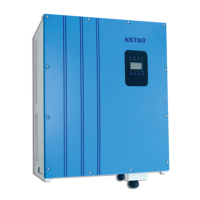
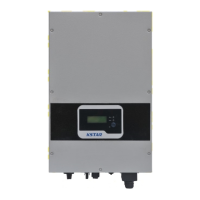
Explains the inverter's function, design compliance, and identifies its external parts and their functions.

Features Description

Lists the inverter's key features including design, efficiency, MPPT capabilities, reliability, and protection level.

Installation

Packing

Advises checking package for damage and contacting the forwarder if necessary for claims.

Installation of Inverter

Provides general installation guidelines focusing on dry site, suitable location, clearance, and ventilation for longevity.

Installation Location

Details suitable wall mounting (vertical/backwards tilt angle <20°) and height for easy operation.

Installation Procedure

Outlines mounting steps: using formwork, drilling, inserting expansion pipes, and securing the inverter.

Wiring

Identifies connection ports (DC, RS232, RS485, AC, Wi-Fi) and lists crucial wiring precautions.

Connection Procedure

Explains connecting to the municipal grid and solar array, including breaker setup and polarity verification.

Operation of Grid-connected Inverter

Trial Operation

Lists essential checks for inverter activation, including AC/solar connections, screws, and breakers.

Working Status

Categorizes statuses into normal, faulty, and termination, detailing normal modes like standby and running.

LED Display

Explains the function of the GREEN working LED and the RED error LED on the inverter's front panel.

LCD Display

Describes button operations, LCD backlighting, and how the LCD shows system information and working modes.

Max Power Point Tracking (MPPT)

Explains the MPPT function, how it tracks maximum power output from solar arrays for optimal energy transfer.

Communication Interface

RS232

Details the waterproof RS232 port for single inverter monitoring and software upgrades, including pinout.

RS485

Describes the RS485 port for multi-inverter communication via RJ45, including cable length and capacity.

WLAN (optional)

Mentions the optional WLAN/WIFI box for Ethernet wired/wireless communication with multiple computers.

Remote control

Explains remote SHUTDOWN, ON, and power limit regulation using associated monitoring software.

Trouble Shooting

Specification

KStar KSG-3.6K-SM Specifications

General IconGeneral
ModelKSG-3.6K-SM
Rated Power3.6 kW
Max. DC Input Power4.68 kW
Start Voltage120 V
Input Voltage Range120-550 V
Rated AC Output Power3.6 kW
Max. AC Output Power3.96 kW
Rated Output Voltage230 V
AC Voltage Range180-280V
Output Voltage230 V
Output Frequency50/60Hz
Protection DegreeIP65
Cooling MethodNatural Convection
Operating Temperature-25°C to 60°C
Humidity0 - 100% (non-condensing)
Protection FeaturesOvervoltage, Short Circuit
Storage Temperature70°C

Related product manuals