EasyManua.ls Logo

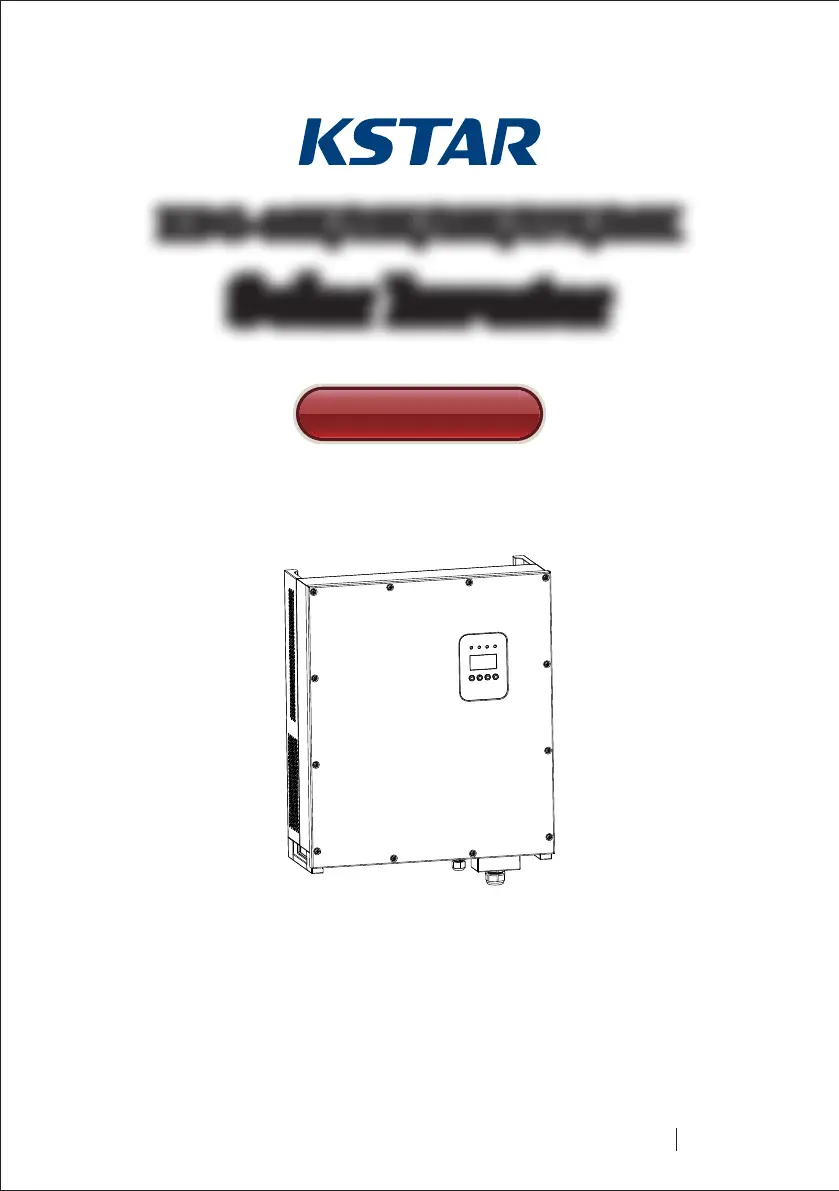
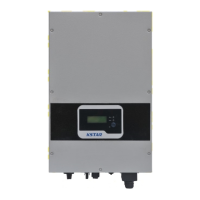
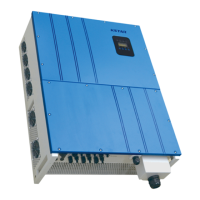
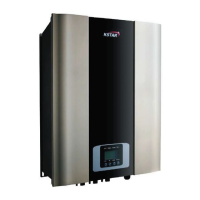
KStar KSG-10K - User Manual

KStar KSG-10K
53 pages
Print Icon
To Next Page IconTo Next Page
Loading...
KSG-10K/12K/15K/17K/20KKSG-10K/12K/15K/17K/20K
201803 Ver 1.1
Solar InverterSolar Inverter
User Manual

Table of Contents

Questions and Answers

  • S
    Sharon SnyderSep 15, 2025
    What to do if my KStar KSG-10K Inverter displays SPI communication Fault (F18)?
    • K
      Katelyn WhiteSep 15, 2025
      If your KStar Inverter is showing an 'SPI communication Fault', disconnect the PV input and restart the inverter to see if the fault clears. If the issue continues, contact your local distributor.
  • J
    james54Aug 25, 2025
    What to do if my KStar KSG-10K shows 'Ambient Temperature High' (F12)?
    • M
      Maria EspinozaAug 25, 2025
      If your KStar Inverter displays error code F12, indicating a high ambient temperature, take these steps: 1. Disconnect the PV input and allow the inverter to cool down. Then, restart the inverter to see if normal operation resumes. 2. Check the environmental temperature to ensure it is within the specified working range. 3. If the fault persists, contact your local distributor for further assistance.
  • A
    Antonio NelsonAug 25, 2025
    How to resolve Heatsink Temperature High (F13) error on KStar Inverter?
    • C
      Cassie LongAug 26, 2025
      If you're seeing a 'Heatsink Temperature High' error (F13) on your KStar Inverter, follow these steps: 1. Disconnect the PV input and allow the inverter to cool down before restarting it to see if it returns to normal operation. 2. Verify that the environmental temperature is within the recommended working range. 3. If the problem persists, contact your local distributor.
  • R
    ricardo26Aug 26, 2025
    What should I do if my KStar Inverter displays 'Bus Voltage Abnormal' (F06)?
    • C
      Christopher BarkerAug 27, 2025
      If your KStar Inverter is showing a 'Bus Voltage Abnormal' error (F06), try the following: 1. Check the setting of input mode. 2. Try restarting the inverter every few minutes, several times, to see if the fault clears. 3. If the fault persists, contact your local distributor for assistance.
  • D
    david44Sep 16, 2025
    What should I do if my KStar Inverter displays Leakage Current High (F20)?
    • L
      lopezjonathanSep 16, 2025
      If your KStar Inverter is showing a 'Leakage Current High' error, disconnect the PV input and restart the inverter to see if the fault clears. If the issue continues, contact your local distributor.
  • M
    Monica LeonardSep 23, 2025
    What to do if my KStar Inverter displays DSP communication Lost (F32)?
    • H
      hunternashSep 23, 2025
      If your KStar Inverter displays 'DSP communication Lost', disconnect the PV input and restart the inverter to see if the fault clears. If the issue continues, contact your local distributor.
  • R
    Robert StewartSep 8, 2025
    What to do if my KStar KSG-10K shows a system faulty or failure type error?
    • P
      Paul HendricksSep 8, 2025
      If your KStar Inverter displays a system fault or failure, it could be due to several reasons: * AC voltage and frequency being too high or too low (F00-F03): Check if the mains voltage complies with local safety standards and ensure the AC output line is properly connected. Verify its output voltage. * Bus voltage being too high or too low (F04-F05): Verify the setting of the input mode. * Bus Voltage Abnormal (F06): Check the setting of input mode. * Insulation impedance Fault (F07): Measure the impedance of PV+/PV- to ground; it should be over 500KΩ. For all these issues, you can try disconnecting the PV input, restarting the inverter, and checking if the fault persists. If problems continue, contact your local distributor.
  • C
    Christopher CarterSep 9, 2025
    What to do if my KStar Inverter indicates a Heatsink Temperature High (F13)?
    • B
      benitezvanessaSep 9, 2025
      If your KStar Inverter is showing a 'Heatsink Temperature High' error, first, disconnect the PV input and allow the inverter to cool down. Then, restart it to see if normal operation resumes. Also, check the environmental temperature to ensure it is within the specified working range. If the problem persists, contact your local distributor.
  • T
    Tracy SpencerSep 2, 2025
    What to do if KStar KSG-10K Inverter displays 'Leakage Current High' (F20)?
    • J
      Jessica MorganSep 2, 2025
      If your KStar Inverter displays 'Leakage Current High' (F20), here’s what you should do: 1. Disconnect the PV input and restart the inverter to see if the fault clears. 2. If the fault persists, contact your local distributor.
  • J
    James MccannAug 31, 2025
    How do I fix an AC Relay Fault (F14) on my KStar KSG-10K?
    • Z
      Zachary PetersonSep 1, 2025
      If your KStar Inverter is showing an AC Relay Fault (F14), try these steps: 1. Disconnect the PV input and restart the inverter to see if the fault clears. 2. If the fault persists, contact your local distributor.

Summary

Introduction for Signs

Introduction

2.1 Preface

A brief thank you message to the users for choosing the product.

2.2 PV Grid-connected Generating System

Explains the composition and function of a PV grid-connected generating system.

2.3 How to Use This Manual

Provides guidance on how to use the manual for installation and operation.

Safety Instructions

Warning!

Emphasizes that input DC voltage must not exceed 1000V to prevent equipment damage.

Overall Introduction

4.1 Circuit Structure

Explains the main circuit structure of the inverter using a block diagram.

4.2 Description for External Interface

Details the various external interfaces and their functions.

System Operation

5.1 System Mode

Describes the different operating modes of the inverter (initialization, waiting, self-checking, etc.).

5.2 Grid-connected Operation

Explains the process and requirements for connecting the inverter to the grid.

5.3 System Shutdown

Details how the inverter performs a system shutdown under various conditions.

5.4 Error and Alarm

Lists error and alarm messages and their meanings.

5.5 Type of system fault and trouble shooting

Provides a table for troubleshooting system faults and alarms.

Human-machine Interface

6.1 LCD controlled panel

Describes the LCD panel, its buttons, and LED indicators.

6.2 Networking for monitoring

Explains how to set up networking for monitoring the system.

6.3 Dry contact

Describes the dry contact interface, which is optional.

6.4 Remote control

Explains the remote shutdown and power limit functions.

LCD Operation Menu

7.1 Initialization

Details the initialization process after starting the inverter.

7.2 Major cycle menu

Describes the main menu that displays running information in a circulating mode.

7.3 User interface

Explains how to navigate and select options within the user interface.

7.4.1 Input mode

Explains how to set the input mode (Independent or Parallel).

7.4.4 Working parameters

Introduces various working parameters that can be configured.

7.4.12 Password setting

Explains how to alter the password for accessing settings.

7.4.14 Factory reset

Details how to reset inverter parameters to their default factory settings.

7.5 Inquiry

Introduces the inquiry function to view inverter model, SN, firmware, and records.

7.6 Statistics

Introduces various statistics options like time, connection times, and power peaks.

7.6.1 Time statistics

Displays operational time and generating duration of the inverter.

7.6.3 Power peak

Displays history and today's power peak of the inverter.

7.6.4 Generated energy of that day

Displays generated energy for the current day.

7.6.8 Gross generation

Displays the total gross generation of the inverter.

Installation

8.1 Overview

Provides a general introduction to the installation process of the inverter.

8.2 Mechanical installation

Covers aspects of mechanical installation, including dimensions and procedures.

8.3.1 Requirement for electric installation

Outlines the general requirements for electric installation.

8.3.2 Wire for alternating current connection

Provides instructions for connecting AC wires.

8.3.3 Wire for direct current connection

Provides instructions for connecting DC wires.

8.3.4 Wire for communication connection

Explains the wiring for communication connections.

8.4 Starting and closing

Explains the process for starting and closing the inverter operation.

Starting process

Details the steps involved in starting the inverter.

Closing process

Explains the automatic and manual closing procedures for the inverter.

Closing process for emergency

Outlines the emergency closing procedure and its importance.

Technical Data

Maximum input current

Specifies the maximum input current for different models.

Features

Lists key features like efficiency, MPPT, and standby loss.

Environmental

Details environmental specifications like ambient temperature and altitude.

Mechanical data

Provides mechanical specifications like dimension and weight.

Appendix

10.1 Quality assurance

Outlines the terms and conditions for product quality assurance and warranty.

KStar KSG-10K Specifications

General IconGeneral
ModelKSG-10K
Rated Power10kW
Efficiency98.2%
Protection DegreeIP65
Max. DC Input Power11000W
Max. DC Input Voltage1000V
MPPT Voltage Range200V-1000V
Nominal AC Output Power10kW
Max. AC Output Power11kW
Nominal AC Voltage230V / 400V
Operating Temperature Range-25°C ~ +60°C
Output Power10kW
Input Voltage200-1000V
Output Voltage230/400V
Frequency50/60Hz
WaveformSinusoidal
ProtectionOver temperature protection

Related product manuals