EasyManua.ls Logo

KStar KSG-1.5K-SM - User Manual

KStar KSG-1.5K-SM
32 pages
Print Icon
To Next Page IconTo Next Page
Loading...
User Manual
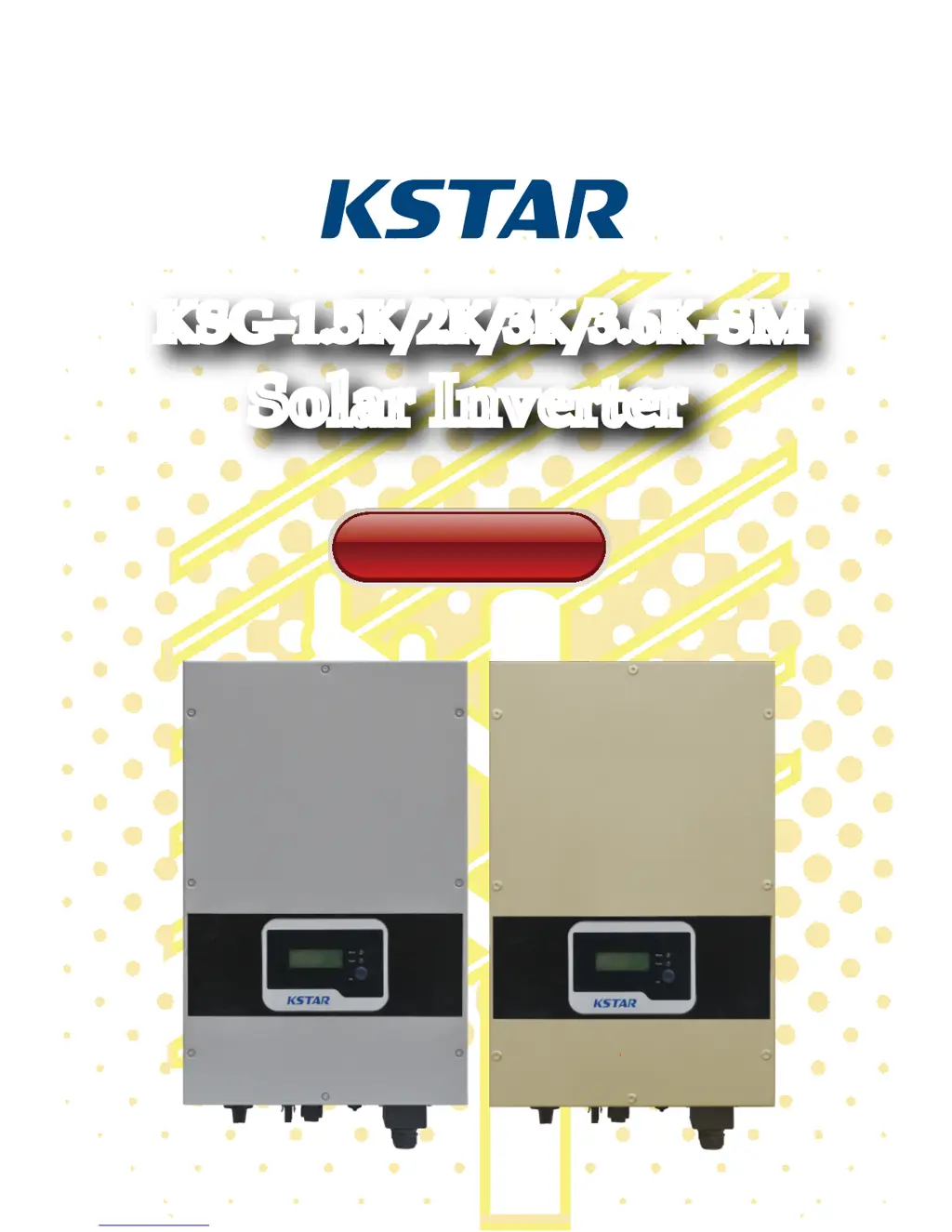
KSG-1.5K/2K/3K/3.6K-SM
Solar Inverter
KSG-1.5K/2K/3K/3.6K-SM
Solar Inverter

Questions and Answers

  • S
    Sandra BellAug 14, 2025
    What to do if my KStar KSG-1.5K-SM shows a Grid Fault?
    • S
      sullivanjenniferAug 14, 2025
      If you're experiencing a Grid Fault with your KStar Inverter, first check if the local municipal grid voltage and frequency comply with the inverter's specifications. If the problem persists, wait for 2 minutes to see if the inverter automatically recovers. If it doesn't, further assistance is needed.
  • S
    Stephanie KimAug 18, 2025
    How to fix a Communication Fault on a KStar KSG-1.5K-SM?
    • N
      Nathaniel CarlsonAug 18, 2025
      If you have a Communication Fault with your KStar Inverter, try restarting the equipment to see if the issue resolves. If the fault continues, further assistance is needed.
  • S
    Sean NewtonAug 21, 2025
    What to do if my KStar Inverter says 'No Grid'?
    • J
      Jennifer GeorgeAug 21, 2025
      If your KStar Inverter indicates 'No Grid', first, check whether the inverter is properly connected to the municipal grid. Second, verify the cable connection between the inverter and the municipal grid. If the issue persists, further assistance is needed.
  • M
    Mary McgeeAug 25, 2025
    Why is my KStar KSG-1.5K-SM Inverter showing an Over Temperature Fault?
    • D
      Dustin HernandezAug 25, 2025
      If you're getting an Over Temperature Fault on your KStar Inverter, the inverter's temperature might be too high. Try moving the inverter to a cooler location. If the fault persists, further assistance is needed.
  • N
    Nathan GomezAug 28, 2025
    What to do if a KStar Inverter has a Current Leakage Fault?
    • J
      justin23Aug 28, 2025
      If you're experiencing a Current Leakage Fault with your KStar Inverter: 1. Turn off the inverter and check for leakage in peripheral facilities. 2. After eliminating any peripheral interference, reconnect to the PV array and check for leakage again. If the problem persists, further assistance is needed.
  • M
    Megan VasquezAug 31, 2025
    How do I troubleshoot a BUS Over Voltage error on a KStar Inverter?
    • J
      John AdkinsAug 31, 2025
      If your KStar Inverter shows a BUS Over Voltage error, try restarting the equipment to see if the issue is resolved. If the fault persists, further assistance is needed.
  • A
    Ashley HarrisSep 3, 2025
    What should I do if my KStar KSG-1.5K-SM Inverter shows a DCI Fault?
    • C
      Charles GarciaSep 3, 2025
      If your KStar Inverter displays a DCI Fault, it indicates that the DC component in the output current is too high. Wait for 2 minutes after the alarm occurs to see if the inverter automatically recovers. If the fault persists, further assistance is needed.
  • M
    Michael SmithSep 6, 2025
    How to troubleshoot an Insulation Resistance Fault on a KStar KSG-1.5K-SM?
    • U
      uroseSep 6, 2025
      If you encounter an Insulation Resistance Fault on your KStar Inverter: 1. Turn off the inverter and restart it to see if the alarm reappears. 2. If the alarm persists, check if the resistance of PV + to earth and PV – to earth is greater than 2MΩ. 3. If the resistance is less than 2MΩ, further assistance is needed.
  • J
    Jim HensonSep 10, 2025
    What to do if my KStar KSG-1.5K-SM Inverter shows an Equipment Fault?
    • A
      Adam HansonSep 12, 2025
      If your KStar Inverter is showing an Equipment Fault, try restarting the equipment to see if the issue clears. If the fault persists, further assistance is needed.

Summary

User Guide Introduction

Safety Instructions

Electrical and Operational Safety Precautions

Covers precautions against electric shock and safe inverter operation.

Grid Connection and Temperature Safety

Outlines grid connection rules and high-temperature warnings.

Product Warranty Information

Overview of Solar Inverter System

Introduction to Grid-connected Systems

Explains the components and function of a grid-connected system.

PV Inverter Overview and Components

Details the inverter's function, identifies its parts, and describes their functions.

Key Features of the Solar Inverter

Lists the key features and benefits of the solar inverter.

Installation Guide

Packing and Equipment Check

Instructions for checking equipment packaging before opening.

Inverter Installation Site Selection

Provides essential guidelines for selecting an installation site and preparing for inverter mounting.

Correct Inverter Mounting Location

Illustrates and describes correct and incorrect mounting orientations for the inverter.

Inverter Physical Mounting Procedure

Details the steps for physically mounting the inverter onto a wall using a template and screws.

Inverter Wiring and Connections

Explains the connection ports and provides essential attention points for wiring the inverter.

System Connection Procedure

Outlines the steps for connecting the inverter to the municipal electrical grid and solar array.

Operation of Grid-connected Inverter

Trial Operation Checklist

Lists the prerequisites and steps for activating the inverter after installation.

Understanding Inverter Working Status

Describes the different operational modes of the inverter: normal, standby, and running.

LED Status Indicator Guide

Explains the meaning and function of the red and green status LEDs on the inverter.

LCD Display Information and Navigation

Details how to interact with the LCD display using buttons and explains different display modes.

LCD Display Information Breakdown

Normal LCD Working Status Displays

Describes LCD display messages for normal operation states like standby and self-test.

Monitoring Parameter Displays on LCD

Explains parameters shown on the LCD during monitoring.

System Faulty Display Codes

Lists error codes and their meanings for system faults.

Max Power Point Tracking (MPPT) Function

Communication Interface Options

RS232 Communication Port Details

Details the RS232 port, its pin definitions, and usage for monitoring and upgrading.

RS485 Communication for Multi-Inverter Systems

Explains the RS485 port's use for multi-inverter communication via RJ45 connector.

Optional WLAN;WIFI Communication

Describes the optional WLAN/WIFI box for Ethernet communication.

Remote Control Capabilities

Explains how to perform remote shutdown, power limit, and ON functions.

Troubleshooting Common Issues

System Faulty Alarm Messages and Solutions

Provides a list of system fault alarm messages and their corresponding solutions for troubleshooting.

Technical Specifications

Table 9.1: Inverter Technical Data

Presents detailed technical specifications for various inverter models, including input, output, environment, and mechanical parameters.

Table 9.2: Grid Specification Details

Details grid voltage and frequency specifications for different regions and their impact on the inverter.

KStar KSG-1.5K-SM Specifications

General IconGeneral
ModelKSG-1.5K-SM
Rated Power1.5 kW
Output Frequency50/60 Hz
DC ConnectionMC4
Protection DegreeIP65
Cooling MethodNatural convection
Dimensions300*365*138 mm
Weight7.3 kg
WaveformPure sine wave
Rated Output Voltage230 V
AC ConnectionPlug
Operating Temperature Range-25 ~ +60 °C
ProtectionOvervoltage, Short Circuit, Over Temperature
Operating Temperature-25 ~ +60 °C
Storage Temperature-40°C to 70°C

Related product manuals