EasyManua.ls Logo

KStar KSG-2K-SM - User Manual

KStar KSG-2K-SM
31 pages
Print Icon
To Next Page IconTo Next Page
Loading...
201603 Ver 1.0
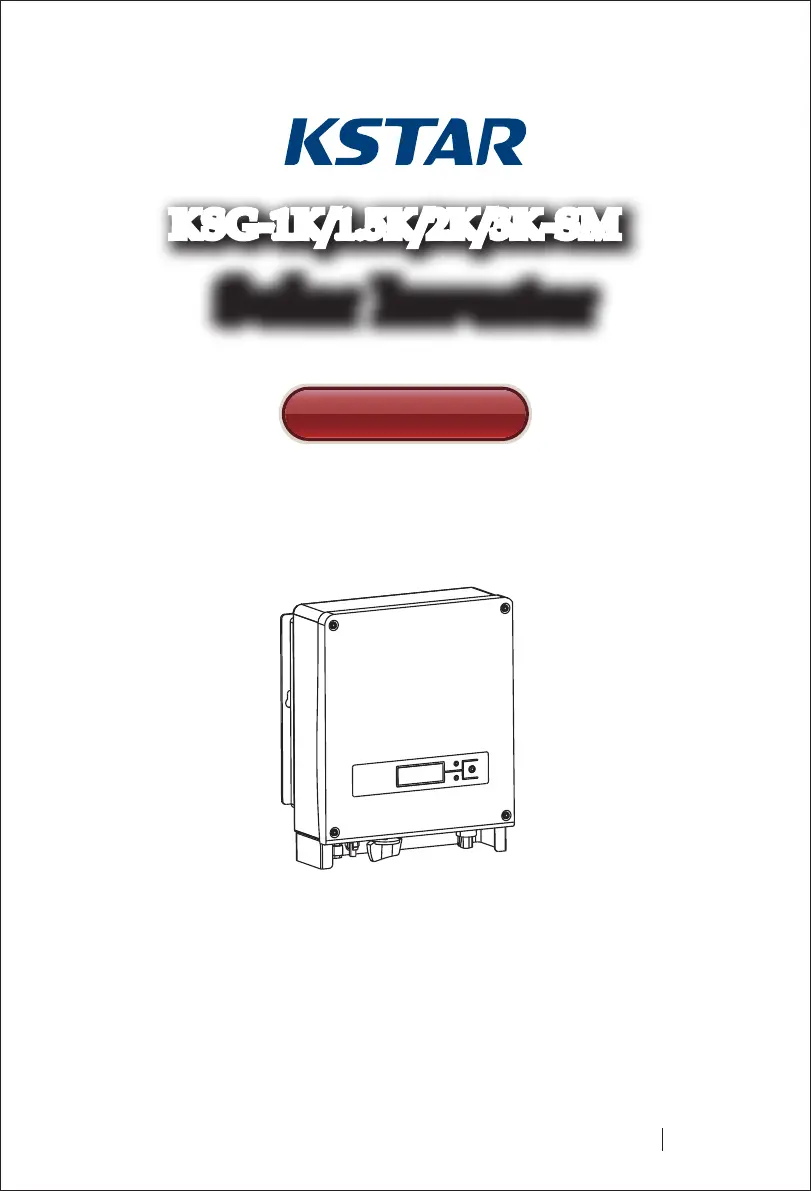
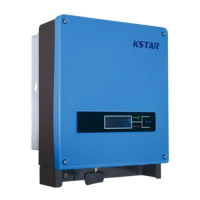
Solar InverterSolar Inverter
User Manual
KSG-1K/1.5K/2K/3K-SM

Questions and Answers

  • S
    Shane AlexanderSep 9, 2025
    What does a DCI Fault mean on my KStar Inverter?
    • J
      James RussellSep 10, 2025
      A DCI fault indicates that the DC component in the output current is too high. After the alarm occurs, wait for 2 minutes to see if the KStar Inverter recovers automatically.
  • D
    Dana VargasAug 23, 2025
    How to fix a Communication Fault on a KStar Inverter?
    • V
      villarrealelizabethAug 23, 2025
      If you have a Communication Fault with your KStar Inverter, try restarting the equipment to see if the issue resolves. If the fault continues, further assistance is needed.
  • T
    Traci MarksAug 25, 2025
    What to do if my KStar Inverter says 'No Grid'?
    • A
      Amy WoodsAug 25, 2025
      If your KStar Inverter indicates 'No Grid', first, check whether the inverter is properly connected to the municipal grid. Second, verify the cable connection between the inverter and the municipal grid. If the issue persists, further assistance is needed.
  • J
    James ButlerAug 27, 2025
    Why is my KStar Inverter showing an Over Temperature Fault?
    • D
      Dylan FordAug 27, 2025
      If you're getting an Over Temperature Fault on your KStar Inverter, the inverter's temperature might be too high. Try moving the inverter to a cooler location. If the fault persists, further assistance is needed.
  • R
    Richard BoyerAug 28, 2025
    What to do if a KStar Inverter has a Current Leakage Fault?
    • S
      Steven SanchezAug 28, 2025
      If you're experiencing a Current Leakage Fault with your KStar Inverter: 1. Turn off the inverter and check for leakage in peripheral facilities. 2. After eliminating any peripheral interference, reconnect to the PV array and check for leakage again. If the problem persists, further assistance is needed.
  • J
    Jerry LopezAug 29, 2025
    How do I troubleshoot a BUS Over Voltage error on a KStar Inverter?
    • A
      alvaradomarkAug 29, 2025
      If your KStar Inverter shows a BUS Over Voltage error, try restarting the equipment to see if the issue is resolved. If the fault persists, further assistance is needed.
  • G
    Gary WhiteSep 18, 2025
    What should I do if my KStar KSG-2K-SM Inverter shows an EEPROM I/O fault?
    • M
      matthewgriffinSep 18, 2025
      Restart the equipment and check whether the EEPROM I/O fault still exists on your KStar Inverter.
  • J
    Joseph HenrySep 22, 2025
    What to do if my KStar Inverter is showing an Equipment Fault?
    • J
      Jason SavageSep 22, 2025
      Restart the equipment and check whether the equipment fault still exists on your KStar Inverter.
  • R
    Ronald WoodSep 8, 2025
    How to fix a No Grid error on a KStar KSG-2K-SM Inverter?
    • W
      William BernardSep 8, 2025
      First, verify that your KStar Inverter is properly connected to the municipal grid. Then, check the cable connection between the inverter and the grid.
  • C
    coxcynthiaSep 4, 2025
    What to do if KStar KSG-2K-SM Inverter shows a Grid Fault?
    • J
      Joshua PeckSep 5, 2025
      First, check if the local municipal grid voltage and frequency comply with the specifications of your KStar Inverter. If an alarm occurs, wait for 2 minutes to see if the inverter recovers automatically.

Summary

User Guide

Safety Instructions

Electric Shock Hazards

Warnings about AC/DC connections and potential electric shock hazards during maintenance.

Safe Operation and Maintenance

Guidelines for safe operation and maintenance by qualified professionals only.

Grid Connection Requirements

Specifies that inverters must be connected only to municipal power grids.

Temperature and Electrical Safety

Advises on hot parts and the requirement for qualified electricians for safe operation.

Product Warranty Information

Product Overview

Grid-connected System Introduction

Explains the basic components and function of a grid-connected solar power system.

PV Inverter Introduction

Details the key components, ports, and functions of the PV inverter.

Inverter Features

Lists the main features and benefits of the solar inverter, such as efficiency and reliability.

Installation Guide

Packing and Handling Instructions

Instructions for checking the inverter package for damage and proper handling.

Inverter Installation Guidelines

Recommendations for selecting a dry, accessible, and well-ventilated installation site.

Installation Location and Mounting

Specifies suitable wall orientations and recommended mounting height for the inverter.

Installation Procedure Steps

Step-by-step guide for drilling mounting holes and securing the inverter to the wall.

Wiring and Connection Details

Details the connection ports and required wiring specifications for DC and AC inputs/outputs.

Connection Procedure Steps

Outlines the sequence for connecting the inverter to the municipal grid and solar array.

Grid-connected Inverter Operation

Trial Operation Procedures

Lists the essential checks required before activating the inverter for operation.

Inverter Working Status

Explains the different operating states: standby, self-test, and normal running.

LED Indicator Functions

Describes the operational meaning of the green (working) and red (error) LED indicators.

LCD Display and Operations

Covers button functions, backlighting, display modes, settings, and error identification.

Max Power Point Tracking (MPPT)

Explains how the inverter tracks and optimizes power output from solar arrays.

Communication Interface Options

RS232 Communication Port

Describes the RS232 port for computer communication and potential software upgrades.

RS485 Communication Port

Details the RS485 port for multi-inverter communication using RJ45 connectors.

Remote Control Functions

Explains remote shutdown, ON, and power limit regulation via monitoring software.

Troubleshooting Guide

Technical Specifications

KStar KSG-2K-SM Specifications

General IconGeneral
ModelKSG-2K-SM
Rated Power2000W
Nominal AC Output Power2000W
Number of MPPT1
Max. Output Current9.1A
Cooling MethodNatural convection
Output Frequency50/60 Hz
Nominal AC Voltage220V/230V
Protection FeaturesOver Temperature
Operating Temperature-25°C to 60°C
Input Voltage90-280V
Output Voltage220V/230V/240V

Related product manuals