Kvaser Leaf Light v2 User’s Guide 7 (25)
3 Kvaser Leaf Light v2 hardware
In this section you can read more about the CAN channels, power supply and LED
indicators.
3.1 Hardware installation
For the Kvaser Leaf Light v2 to communicate with the host computer, the correct
version of the Kvaser driver must be installed. The file
kvaser_drivers_setup.exe
and instructions can be found on the attached CD
but it is recommended that the latest version is downloaded from
www.kvaser.com/download. The Kvaser Leaf Light v2 may then be connected to
any available USB port on the host computer.
3.2 Firmware Update
Firmware updates and upgrade instructions can be found at
www.kvaser.com/download. Use “Kvaser Device Guide” to see the current
firmware version of your Kvaser Leaf Light v2.
3.3 USB connector
The Kvaser Leaf Light v2 has a standard USB type “A” connector.
3.4 CAN channels
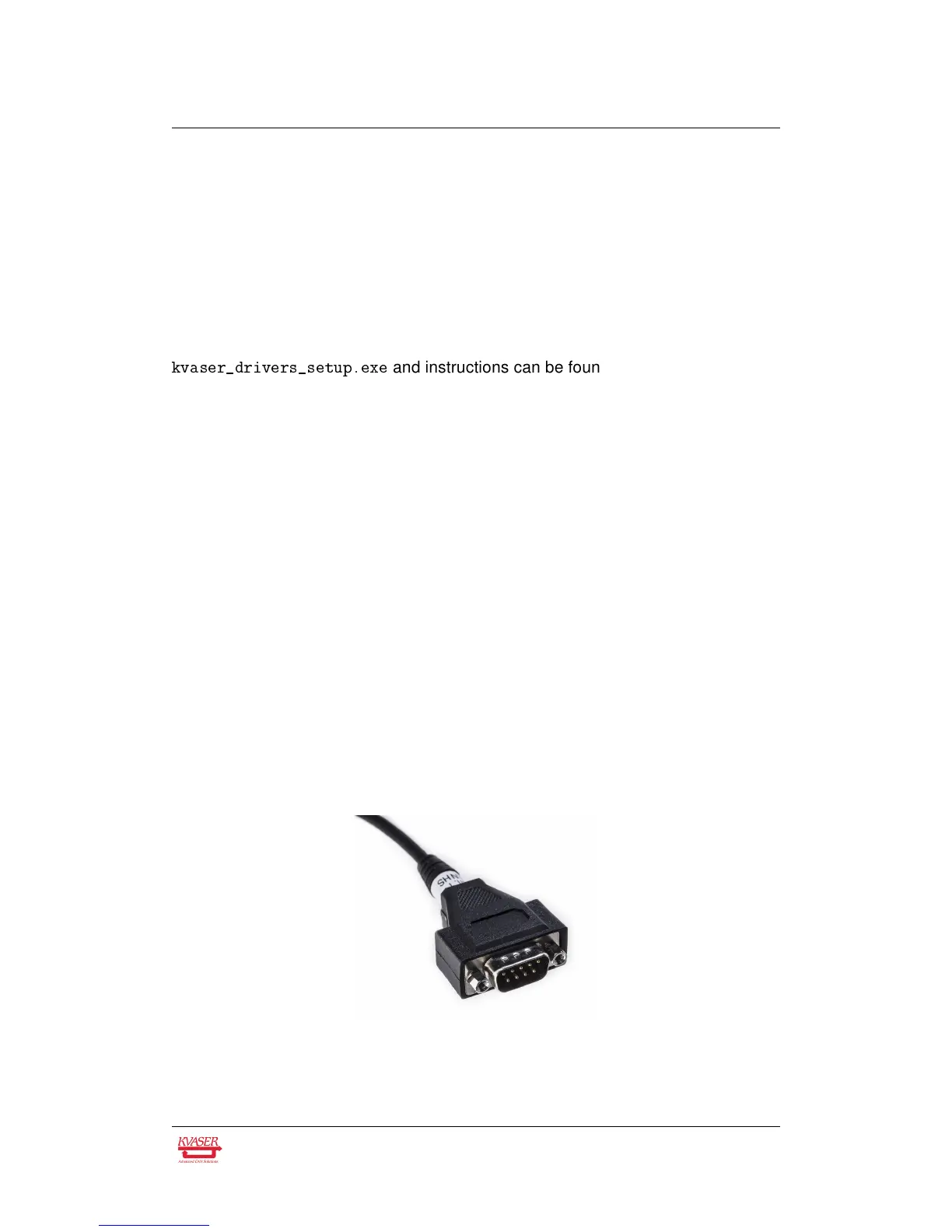
The Kvaser Leaf Light v2 has one CAN Hi-Speed channel with a CAN connector
depending on the model. Either a 9-pin D-SUB, a 16-pin OBDII, a 5-pin M12 Male,
a 9-pin J1939-13 Type I, or a 9-pin J1939-13 Type II connector is used. See
Section 4.2, CAN connectors, on Page 12 for details about the pinout.
Figure 2: 9-pin D-SUB CAN connector
Kvaser AB, Mölndal, Sweden — www.kvaser.com


 To Next Page