Kvaser U100 User’s Guide 8 (22)
3.3 CAN channels
The Kvaser U100 has one CAN Hi-Speed channel. See Section 4.6, CAN
connector options, on Page 14 for more information.
3.4 Power supply
The Kvaser U100 is powered through the USB connector.
3.5 LED Indicators
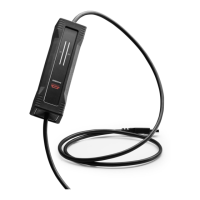
The Kvaser U100 has one Tx LED Bar and one Rx LED Bar as shown in Figure 2
on Page 9, Figure 3 on Page 10. Their functions are described in Section 4.2,
Definitions of Information types and States, on Page 11.
3.6 Troubleshooting
Use “Kvaser Device Guide” in the Control Panel to verify that the computer can
communicate with the Kvaser U100. If the firmware version shown is all zeros,
there are communication problems. If the LED Bar or the status indication is not
flashing or does not light up at all, check the power supply.
Kvaser AB, Mölndal, Sweden — www.kvaser.com


 To Next Page