© 2009 KWorld
14
Q7: How do I create subtitle les in SRT format with ANSI encoding?
Q8: Why doesn’t my Media Player M102 respond when playing some media
le?
Q9: Why isn’t the LED of the remote on?
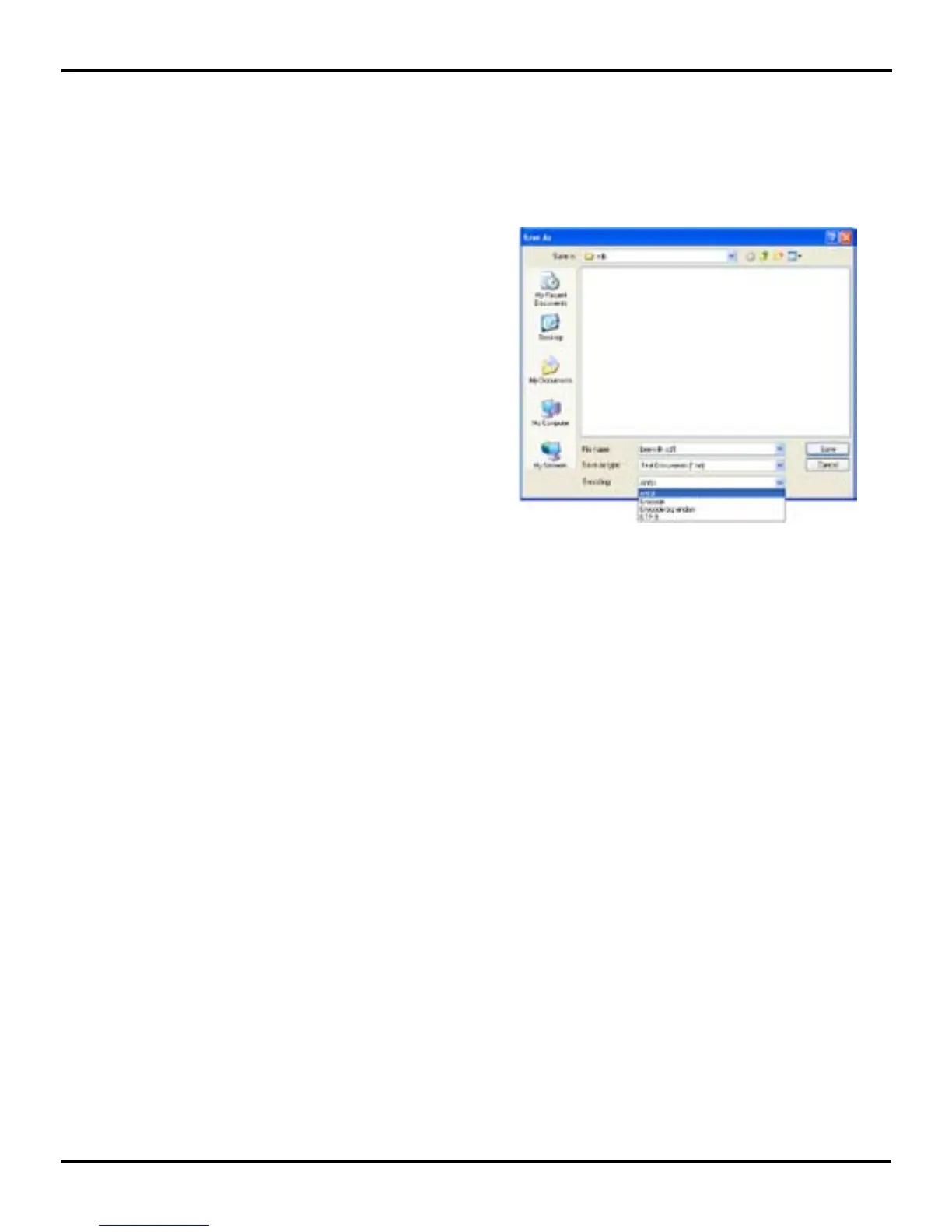
A7: Since Media Player M102 only supports subtitle les in ANSI encoding format,
please follow the steps below:
A8:If the le size is too big or there are many les in your storage device, it will
take a few minutes to load the le. Please wait for a while.
A9:The remote control for Media Player M102 is an IR (infrared sensor) one. That
is why the LED is not on when you press a button on the remote.
Please open the subtitle file with
Notepad (a program that comes with
your Windows Operating System). Click
on the Files Menu and select the “Save
As” option. Please change the Encode
option to ANSI encoding and click on
Save to proceed.



 To Next Page