© 2009 KWorld
8
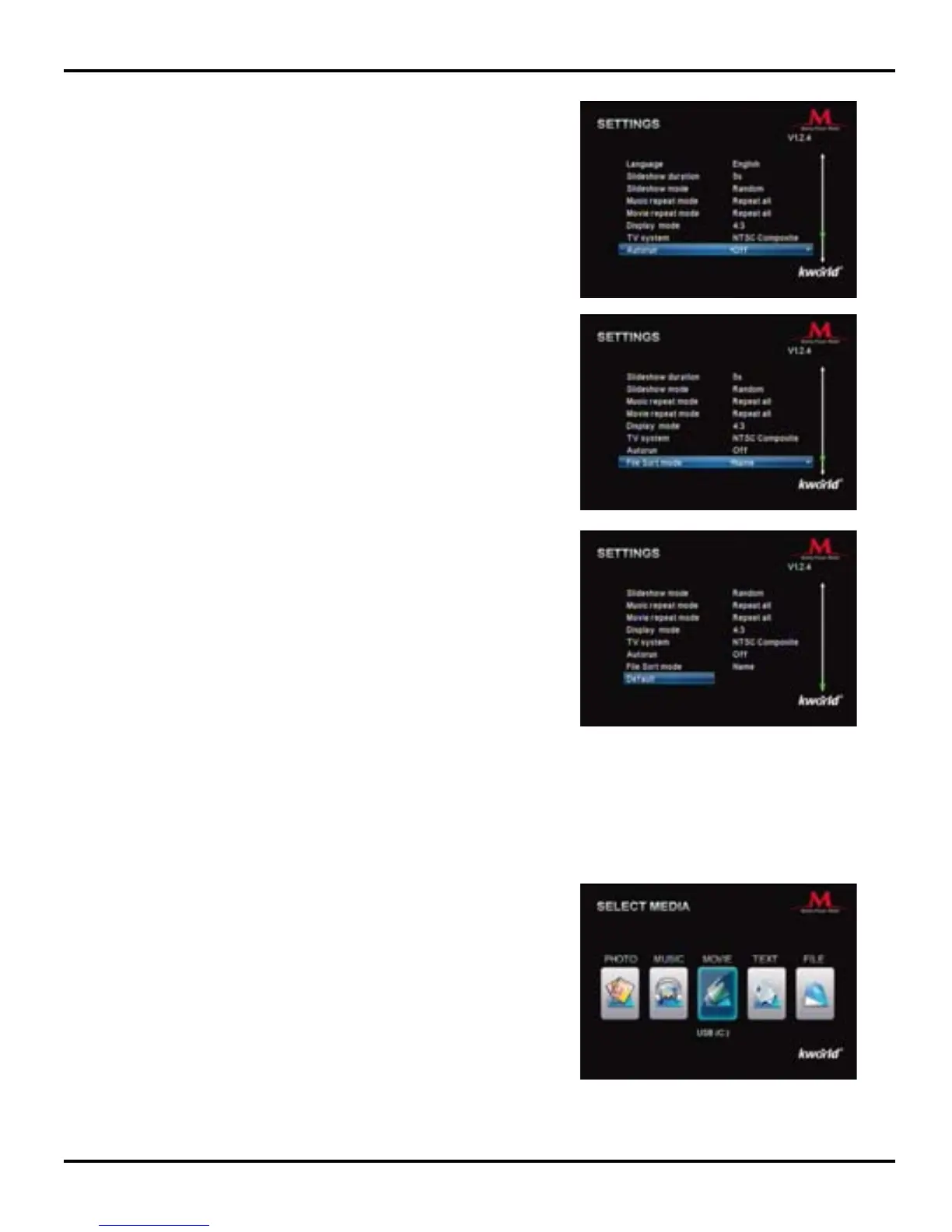
Default: To return to the default settings. Simply select it,
then press “OK” to conrm.
This Main Menu lists out all the media functions such as
Movie, Music, Photo, Text and File. User can enjoy the
selected multimedia functions in full screen by pressing the
Movie, Music, Photo keys on the Remote.
2-3. Getting Started With Your Media Player M102
Autorun: You may enable or disable the auto play
function. Please use the ◄/► key on the Remote to set
your preference, then press “OK” to conrm.
File Sort mode: You can choose how your les are sorted
by “Name/Size/Time”. Please use the ◄/► key on the
Remote to select the proper TV setting, then press “OK” to
conrm.



 To Next Page