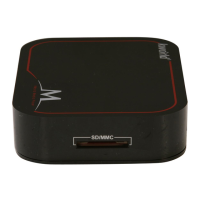
M102
5
1.5 Connection Chart
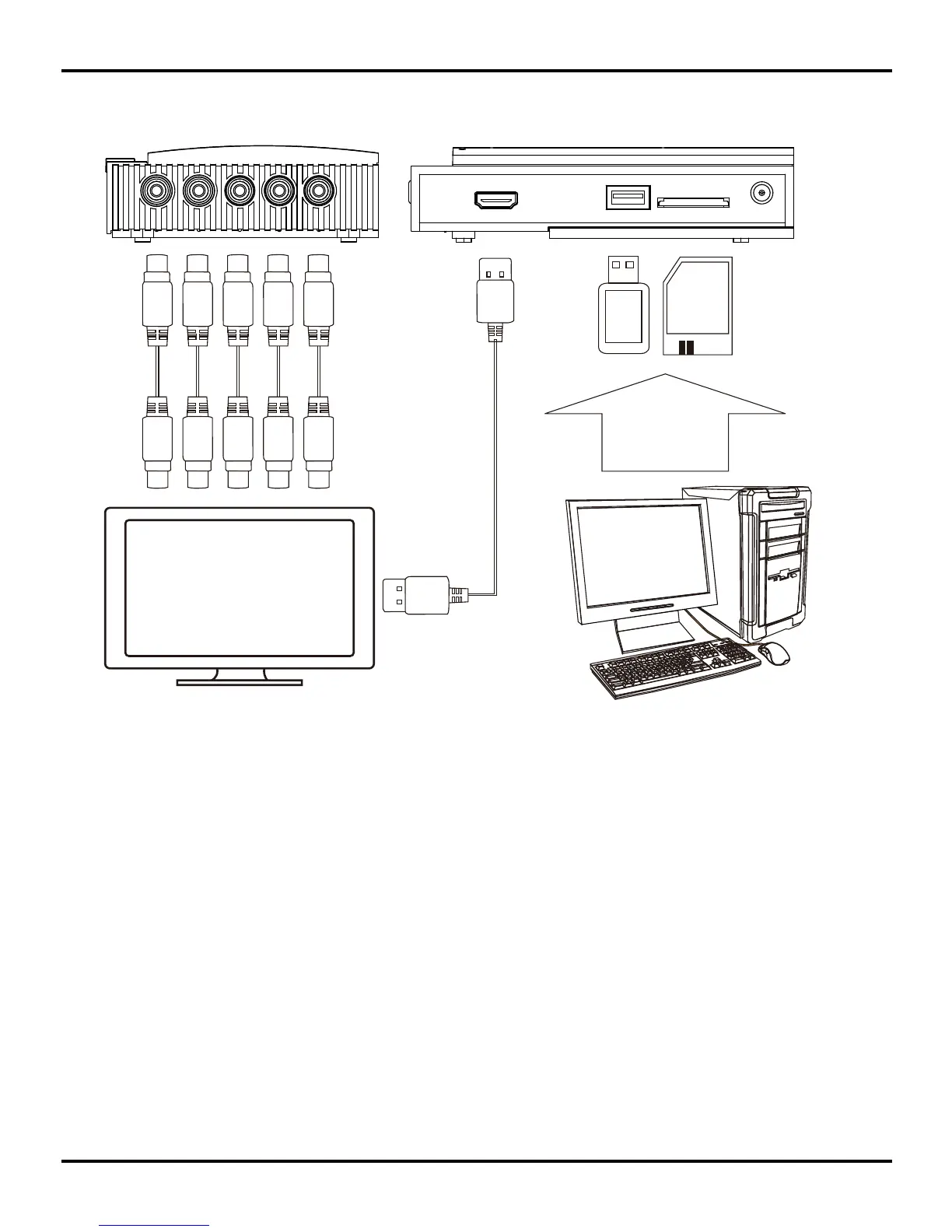
1.Connecting the Media Player:
Connecting with the HDMI cable:
Connect your media player to a display device, such as TV, with a HDMI cable for both video/
audio outputs. HDMI connection is supported in many high denition TV sets in the market,
but please check if your TV set supports it before you connect with HDMI cable (Note: The
HDMI cable is not provided).
Connecting with the YPbPr:
Plug the YPbPr component cables (Y—green, Pb---blue, Pr ---red) to your media player and
link to the correct input ports of your display device, such as TV sets, for better visual quality.
Please check if your TV set is equipped with YPbPr input ports before you connect with these
component cables.
(Note: some TV sets feature both YPbPr and Composite input types. Please be noted that the
YPbPr comes in colors of green, blue and red)
Note: Users can switch the output modes by press “Video Standard” key on the Remote.
2.Connecting to storage devices:
The player has USB Host interface and card reader, which can be used for plugging USB
ash driver, external HDD or memory cards.



 To Next Page