© 2009 KWorld
12
KWorld has included a multi-functional media converter – Format Factory as a bonus software
that you can easily convert your video, audio and picture files from one format to another.
This software supports 48 languages and le conversion in MP4, 3GP, MPG, AVI, WMV, FLV,
SWF, MP3, WMA, AMR, OGG, AAC, WAV, JPG, BMP, PNG, TIF, ICO, GIF, and TGA. You can
also rip DVD into a video le or input RMVB les for your source les for conversion. Besides
converting one format to another, you may attach subtitle les during the conversion so that the
video would appear with subtitles. For more information, please refer to the “Help” section of this
software application.
2-4. Format Factory
2-5. Updtaing a rmware le?
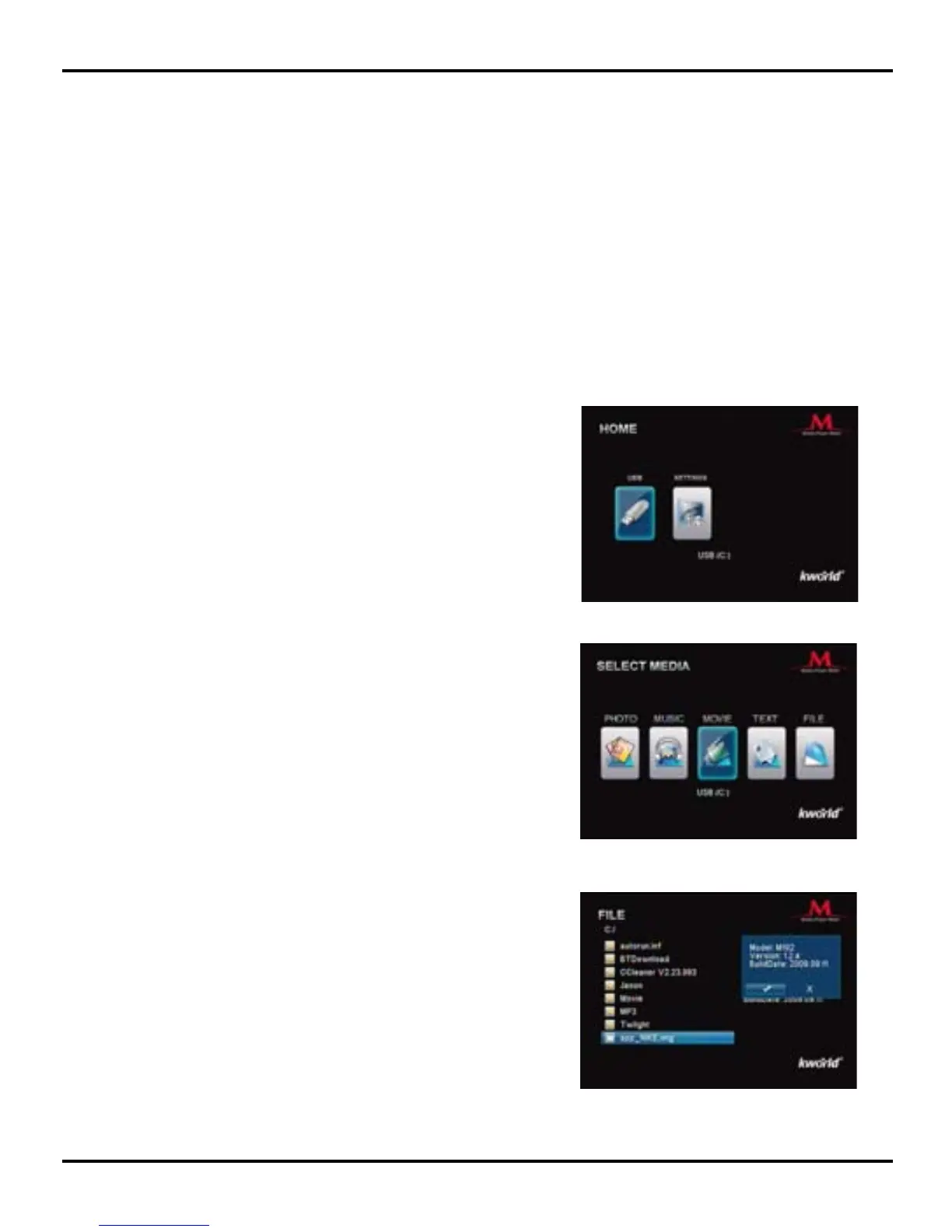
1. Please download the rmware le from KWorld
ofcial website.
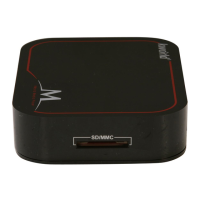
2. Unzip the rmware le to USB Thumb Drive or
Memory Cards and then plug it to Media Player
M102H. Select the “USB” or “SD” icon and then
press “OK“ to enter Main Menu.
3. Please select “File” and press “OK” to enter le
browser.
4. Press ▼/▲/◄/► key to select the rmware le,
and then “OK” key to update rmware. A dialog
box will pop up. Please select “√” with ◄/►
key, and then press “OK” to update the selected
rmware.
5. Please wait a moment while the firmware is
upgrading. Once it is finished, the system will
reboot automatically.


 To Next Page