15
6. Troubleshooting
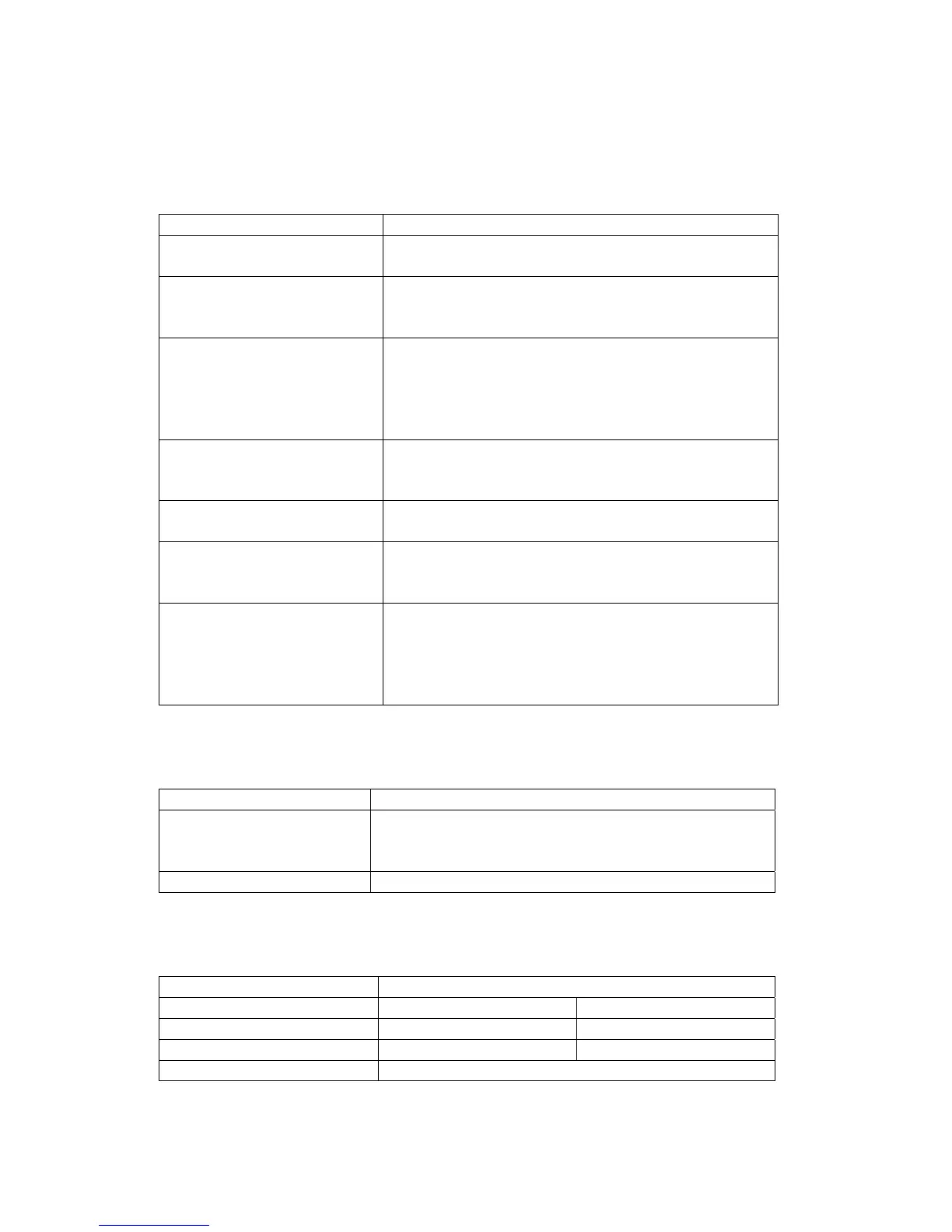
6.1 TV part
Failure Cause and action
No picture, no sound
No power connection, or defective connection of
plug. Receiver is at standby mode.
Picture displayed without
sound
Speaker for multimedia is not connected
properly.
Volume is not turned on. Click Volume + button.
No color
Chroma is not turned on. Adjust chroma option
under PICTURE menu.
Program is of black and white color.
Picture system is set wrongly. Set picture system
correctly under PICTURE menu.
Normal sound but no
picture
Monitor is not connected well.
Too strong interference in TV signal leads to
protection state of monitor.
No picture or abnormal
color of picture from PC
Check if VGA cable is connected well and if PC
runs normally.
Remote control can’t be
operated or has low
sensitivity.
Check if batteries are installed correctly.
Batteries are of weak power, or signal from
remote control is obstructed or disturbed.
Snow spots or oblique line,
vertical line in picture
Signal from antenna is too weak. Add antenna
amplifier.
Defective connection of antenna, or the wire in
antenna cable is breaking off.
Failure of TV station.
6.2 PIP part
Failure Cause and action
After PIP turned on,
sound is normal but no
picture display.
Check if the output mode of display card in PC is
standard (see section 3).
PIP invalid Check if there is PC signal input.
6.3 PIP can function normally at the following PC display modes
Resolution Refresh Rate
800X600 60Hz 75Hz
1024X768 60Hz 75Hz
1280X1024 60Hz 75Hz
1440X900 60Hz


 To Previous Page