© 2020 Kymeta Corporation. All rights reserved. 11 08 December 2020
700-00121-000 revD Kymeta u8 products installation and user guide
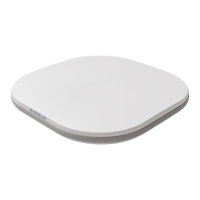
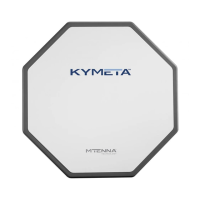
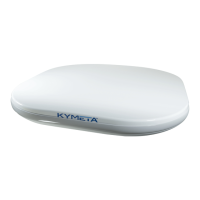
3 Unbox the u8 terminal
1.
Clear a flat surface: place a piece of foam, fabric, or non-abrasive material on the clean flat surface to prevent
marks or damage to the face of the u8 antenna.
2.
Unpack the terminal. To open the box, lay it flat on an open area where it's easy for one person to stand on each
side near the clean assembly surface.
3.
With two people (one person on each side), lift the u8 out of the case, keeping the antenna parallel to the floor,
and lay the antenna face down on the clean flat surface. Place a piece of foam, fabric, or non-abrasive material on
the clean flat surface to prevent marks or damage to the face of the antenna.
✎ The u8 terminal box includes a large grey foam piece to protect the top of the u8 during transportation. Use this
as a protective pad when working on the u8.


 To Next Page