© 2020 Kymeta Corporation. All rights reserved. 18 08 December 2020
700-00121-000 revD Kymeta u8 products installation and user guide
6.2 Mount the u8 ODU
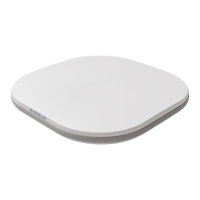
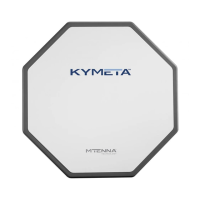
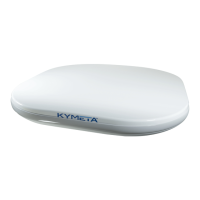
Mounting the u8 ODUis the same as mounting the u8 terminal. Refer to 5.2 Mount the u8 terminal for details.
6.3 Power on the u8 ODU and access the antenna
1.
Ensure the ODU is in place with view of the sky according to guidelines in 1.5 Site selection.
2.
Check that all cables are connected:
a.
RX and TX cables are connected to the modem.
b.
The Ethernet cable is connected to administrative port of modem or a network switch.
c.
The power cable is connected to power source.
3.
Power on the u8 ODU and external modem. You may hear the shroud fans power up, and then reduce speed.
⚠ The Kymeta u8 antenna operates on 12 VDC to 36 VDC maximum. Exceeding 36 VDC may cause damage
to the equipment and is not covered under warranty.
4.
After modem has booted, the antenna becomes accessible via wired Ethernet.
a.
Set your local IPdevice to static IP address 192.168.0.11.
b.
Accessthe Kymeta web-based UI at IP address 192.168.0.10. See Appendix F: Device login information
for details, and refer to 700-00139-000 Kymeta™ u8 antenna software user guide for web-based UI
details.
A second physical Ethernet connection to the u8 ODU is available after opening the access panel on the side. Operation
in motion with the access panel open or with an administrative Ethernet connection is not recommended. See section
7.1 Open the shroud access panel for details on accessing the shroud access panel.
6.4 Provision and commission the u8 ODU
For instructions refer to the 700-00139-000 Kymeta™ u8 antenna software user guide, section "Software
Commissioning Mode support".


 To Next Page