Phone Basics 15
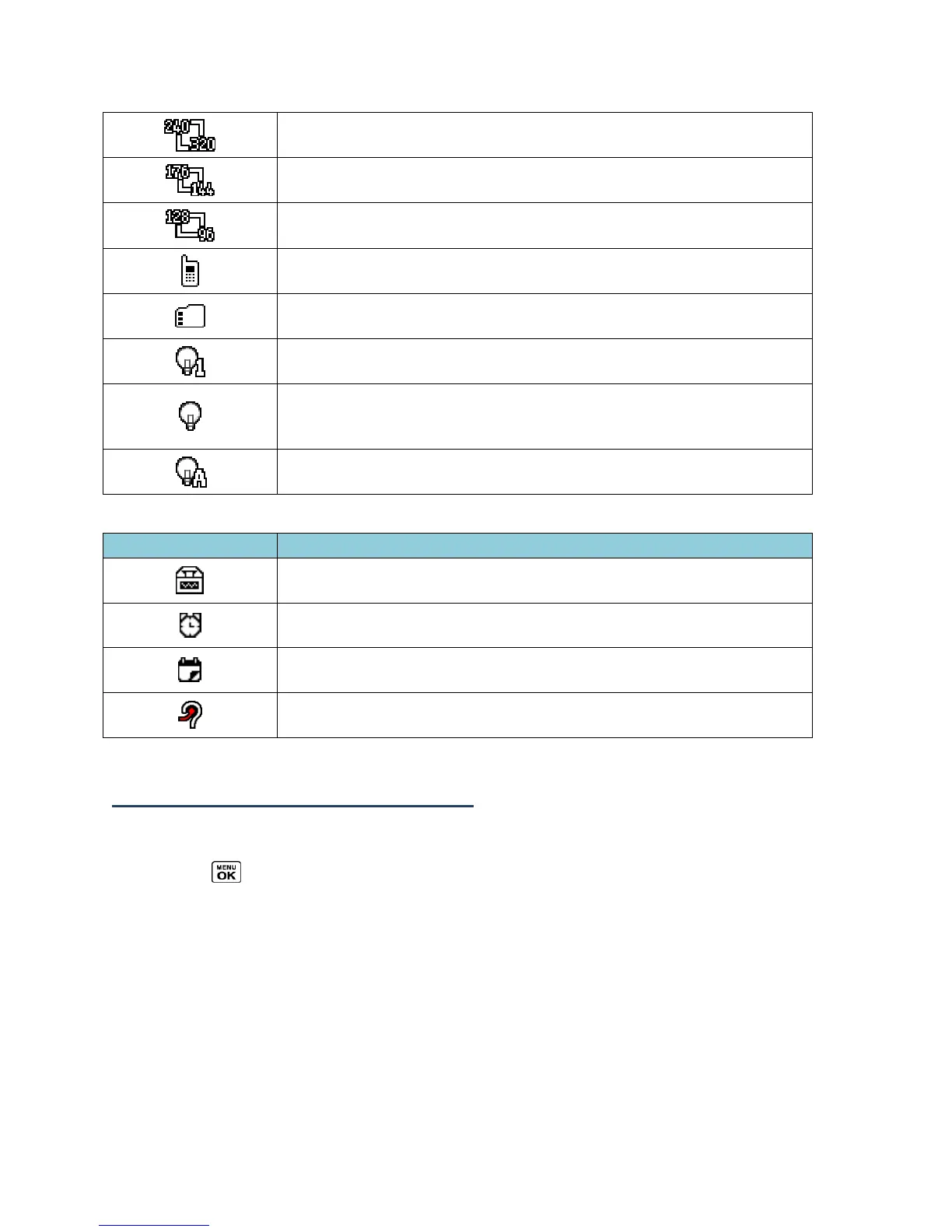
Camera Resolution (0.1M) - The camera is set to 0.1-megapixel
resolution (240x320).
Video Resolution (QCIF) - The video resolution is set to QCIF
(176x144).
Video Resolution (Sub-QCIF) - The video resolution is set to Sub-
QCIF (128x96).
Saving to Phone - Your phone is saving a picture or video to the
phone memory.
Saving to Memory Card - Your phone is saving a picture or video
to the memory card.
Camera Flash On This Shot - The camera flash is enabled only
for the current shot.
Camera Flash Always On or Video Light On - The camera flash
is always enabled in camera mode, or the video light is on in
camcorder mode.
Automatic Camera Flash - The camera flash will be enabled
when needed.
TTY - Your phone is connected to a TTY device.
Alarm - An alarm or countdown is set.
Calendar
- You have event notifications.
HAC Enabled - Your phone’s HAC (hearing aid compatibility)
setting is enabled.
Display Your Phone Number
You can display your phone number and other information about your phone and account.
►
Press > Settings > Phone Info > Phone#.













 To Next Page