GPS Navigation 84
GPS Navigation
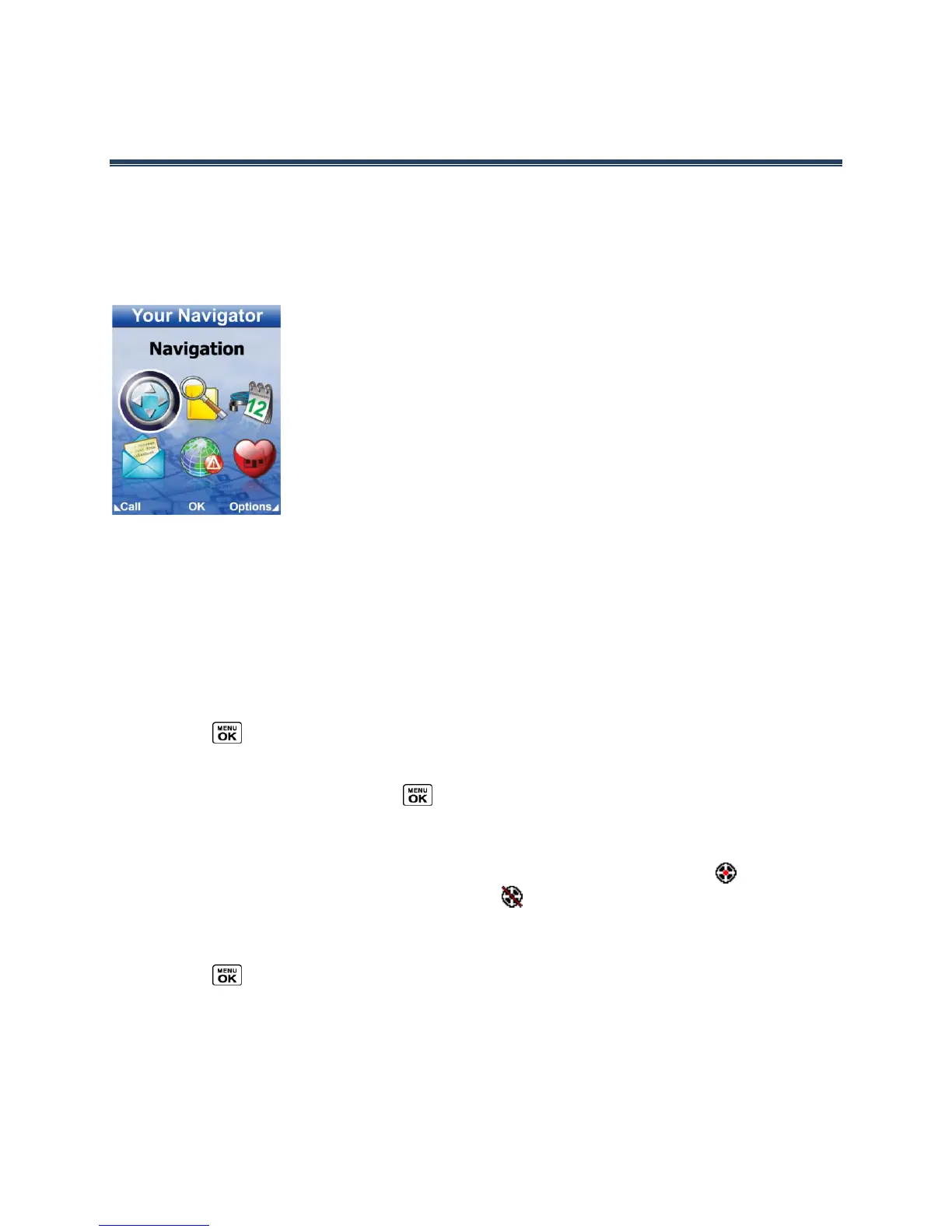
Your phone includes Your Navigator for real-time GPS navigation. With Your Navigator, you
get all of the features of a stand-alone navigation unit built right into your phone, including
voice-prompted turn-by-turn navigation. Search for any destination including gas stations,
ATMs, restaurants, and more. Get detailed maps of any location. Never worry about getting
lost, as Your Navigator provides automatic re-routing should you miss a turn on your route.
Note: Your Navigator requires a U.S. Cellular daily or monthly data plan. To learn more
about data plans for your phone, visit www.uscellular.com/plans or contact U.S.
Cellular Customer Care at 1-888-944-9400 (or 611 from your mobile phone).
Activate Location Mode
Before using Your Navigator, you must turn-on your phone’s location mode.
To enable your phone’s Location feature:
1.
Press > Settings > Others > Location > On/Off. (You will see the Location
disclaimer.)
2.
Read the disclaimer and press .
3.
Select On.
When the Location feature is on, your phone’s standby screen will display the icon. When
Location is turned off, your phone will display the icon.
To send the GPS log to other devices:
1.
Press > Settings > Others > Location > NMEA Output.
2.
Select Bluetooth or USB.













 To Next Page