Phone Basics 13
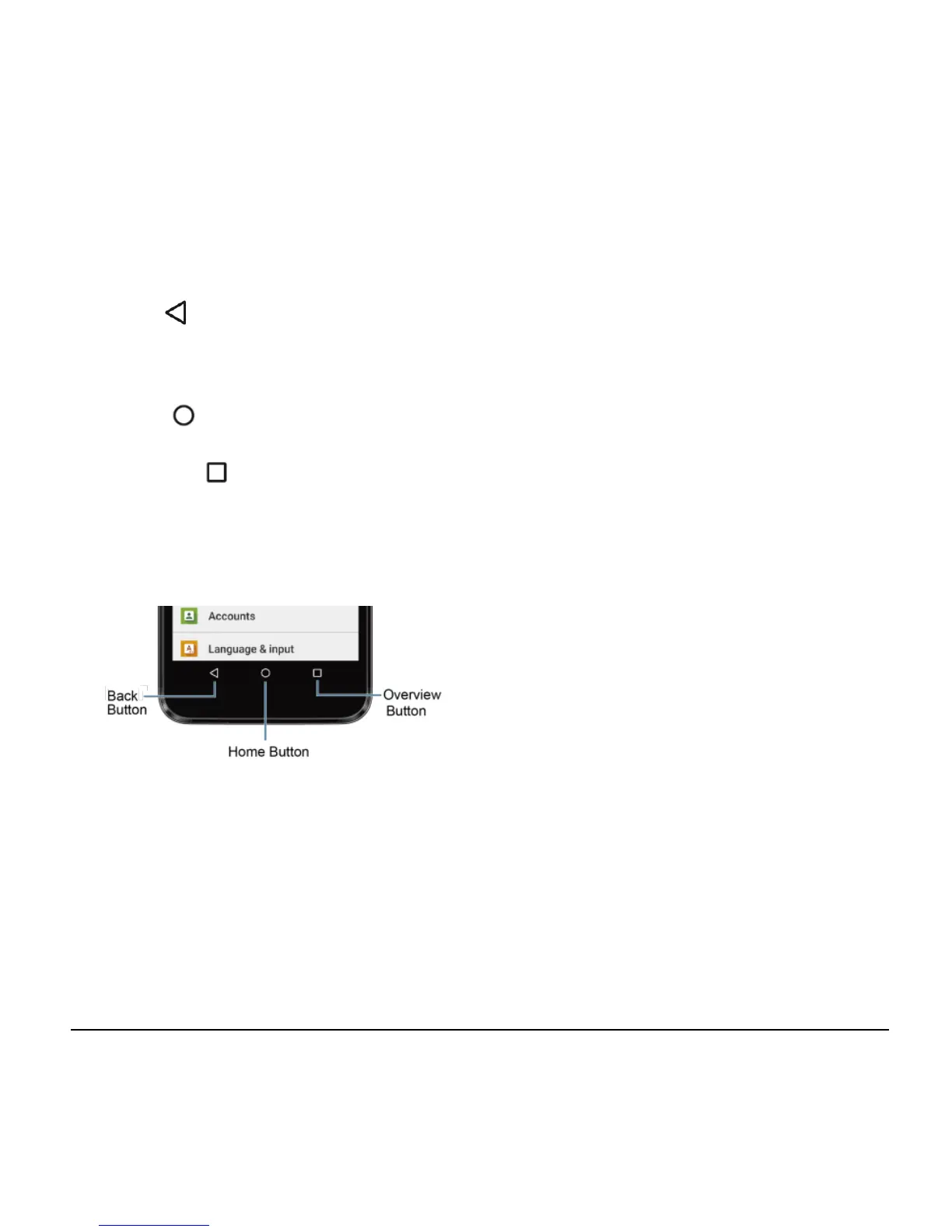
Function Buttons
At the bottom of touchscreen, you will find a
row of three buttons that let you perform
specific functions.
● Back ( ) - Tap to return to the
previous screen, or close a dialog box,
options menu, the Notifications panel, or
onscreen keyboard.
● Home ( ) - Tap to open the Home
screen.
● Overview ( ) - Tap to open a list of
thumbnail images of screens you have
worked with recently. To open one, tap it.
To remove a screen from the list, swipe
it left or right or tap on the X.












 To Next Page