EasyManua.ls Logo

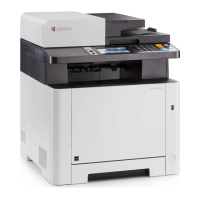
Kyocera M5526cdw - How do I check the Toner Level on my M5526 cdw?

Kyocera M5526cdw
34 pages
Print Icon
To Next Page IconTo Next Page
To Previous Page IconTo Previous Page
Loading...
FAQs M5526cdw
4
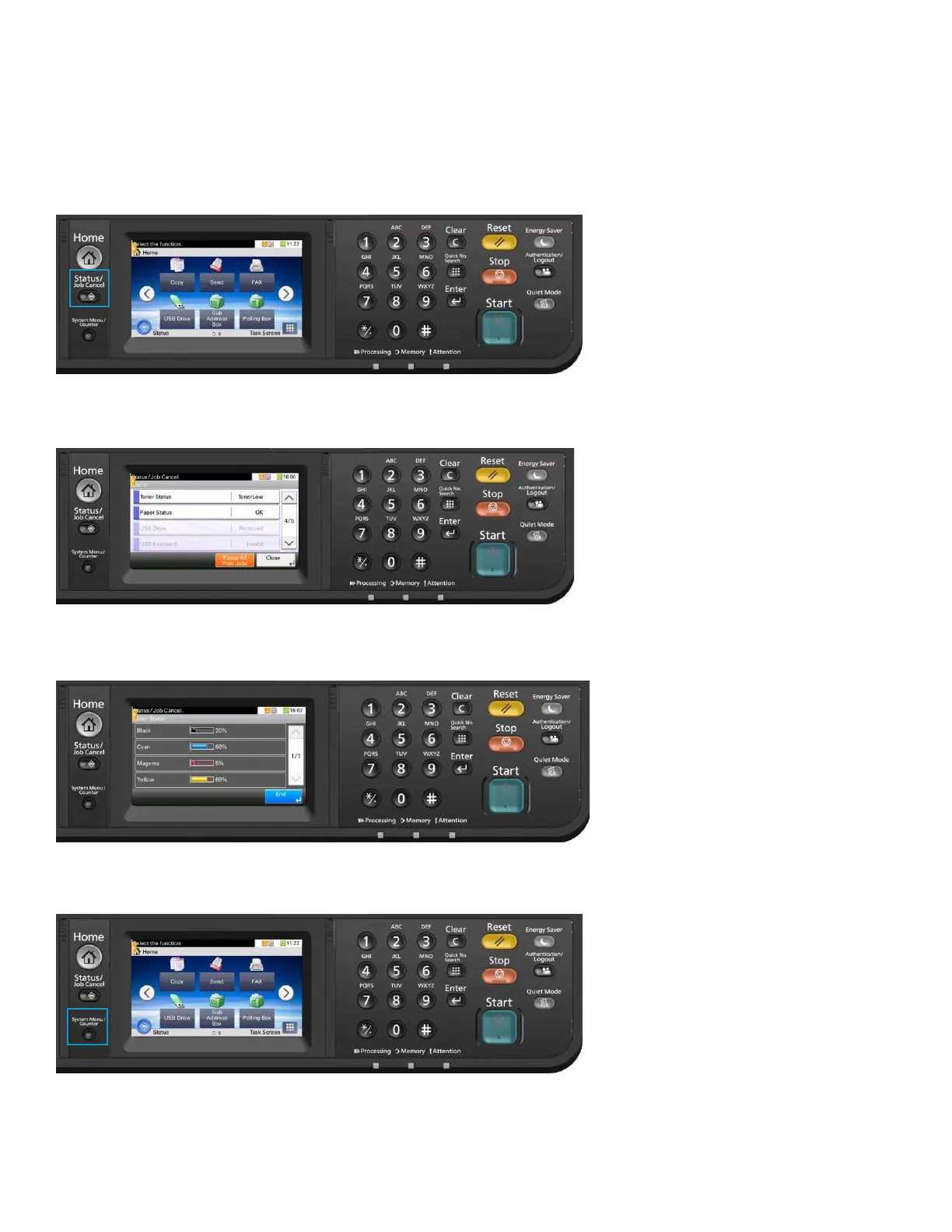
How do I check the Toner Level on my M5526cdw?
The Toner Gauges can be checked on the display.
1.
Press the [Status / Job Cancel] key.
2.
Select [Toner Status] in the touch screen.
3.
The toner levels will be displayed.
4.
Press the [System Menu / Counter] key.


Other manuals for Kyocera M5526cdw

Related product manuals