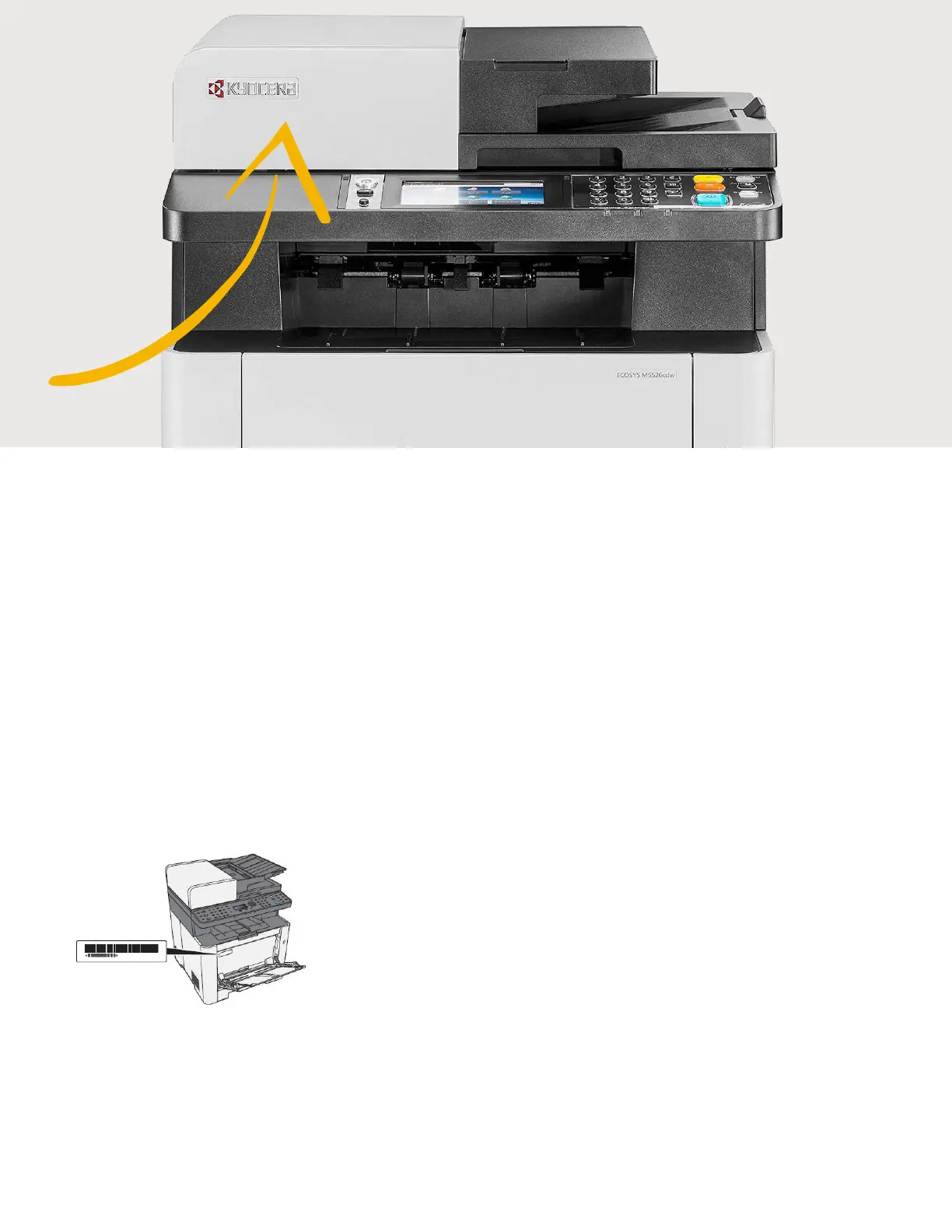
What is the administrator login via the M5526cdw OP Panel?
Username: 2600
Password: 2600
Where is the Serial Number located for the M5526cdw?
Open the Multi-Purpose Tray to find the Serial Number.
It will be a white label that looks like a barcode.
Note: The serial # is also located in the upper right corner on the printed status page.
Checking the Equipment’s Serial Number
The equipment’s serial number is printed in the location shown in the figure.
You’ll need the equipment’s serial number when contacting your Service Representative. Please
check the number before contacting your Service Representative.









 To Next Page