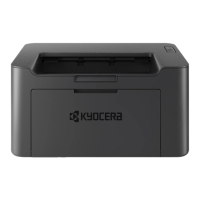
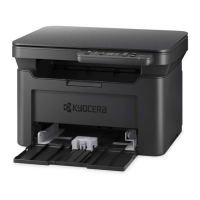
Using the web installer
Install a software by using a web installer downloaded from our website.
1. Launch a web browser.
2. Enter "https://kyocera.info/" to the browser's address bar or location bar.
3. Enter and search the product name, and select this product from the candidate list.
4. Change the selected operating system and its language setting as needed.
5. Click "Web installer".



 To Next Page
 Loading...