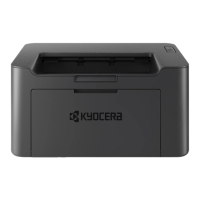
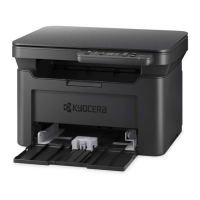
My MA2000w has a message on
the display that a Paper Jam has
occurred. Also, there is a flashing
Attention light
The first step is to determine the paper jam location.
If paper jams in the paper transport system, or no
paper sheets are fed at all, the machine automatically
goes offline, and the Attention indicator will flash.
Remove the paper jam. After removing the paper jam,
the machine will resume printing.
Kyocera Client Tool can indicate the location of the paper jam (the component where the paper jam
has occurred).



 To Next Page
 Loading...