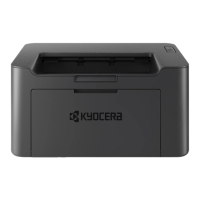
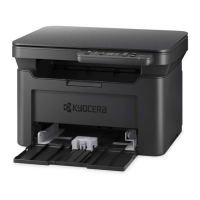
The tool shows a 3D image of the selected machine and its current Paper Jam status.
Click (Refresh) to refresh the machine status. You can also click on the 3D image when you are
experiencing the following error to open the troubleshooting page on our website.
+ Paper jam
+ Replace toner
+ Replace drum
Paper Jam A
1. Remove any jammed paper. Do not reuse jammed papers. If the paper tears during removal,
be sure to remove any loose scraps of paper from inside the machine. Scraps of paper left in the
machine could cause subsequent jamming.
2. Remove any partially fed paper
.



 To Next Page
 Loading...