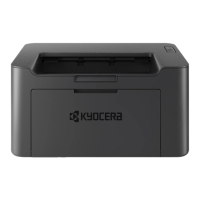
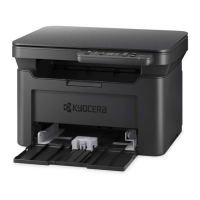
My MA2000w has poor image
quality
To maintain quality, be sure to use genuine Kyocera toner.
The use of non-genuine toner containers may cause failure. A label is affixed to our genuine
supplies, as shown below.
We recommend the use of our genuine toner cartridges, which have passed rigorous quality control
testing, to maintain quality.
Cleaning the Charging wire.
1. Follow the procedures to remove the Toner Container and the Drum Unit.
2. On the drum unit, slide the main charger cleaner (gray) back and forth 2 or 3 times to clean
the charger wire, then return it to its original position (CLEANER HOME POSITION)
The use of non-genuine toner
cartridges may cause failure. We will
not be liable for any damages
caused using third parties supplies in
this machine. A label is affixed to our
genuine supplies, as shown here.



 To Next Page
 Loading...