3-73
Enhancement device setup procedure > Optional device installation
[CONFIDENTIAL]
79
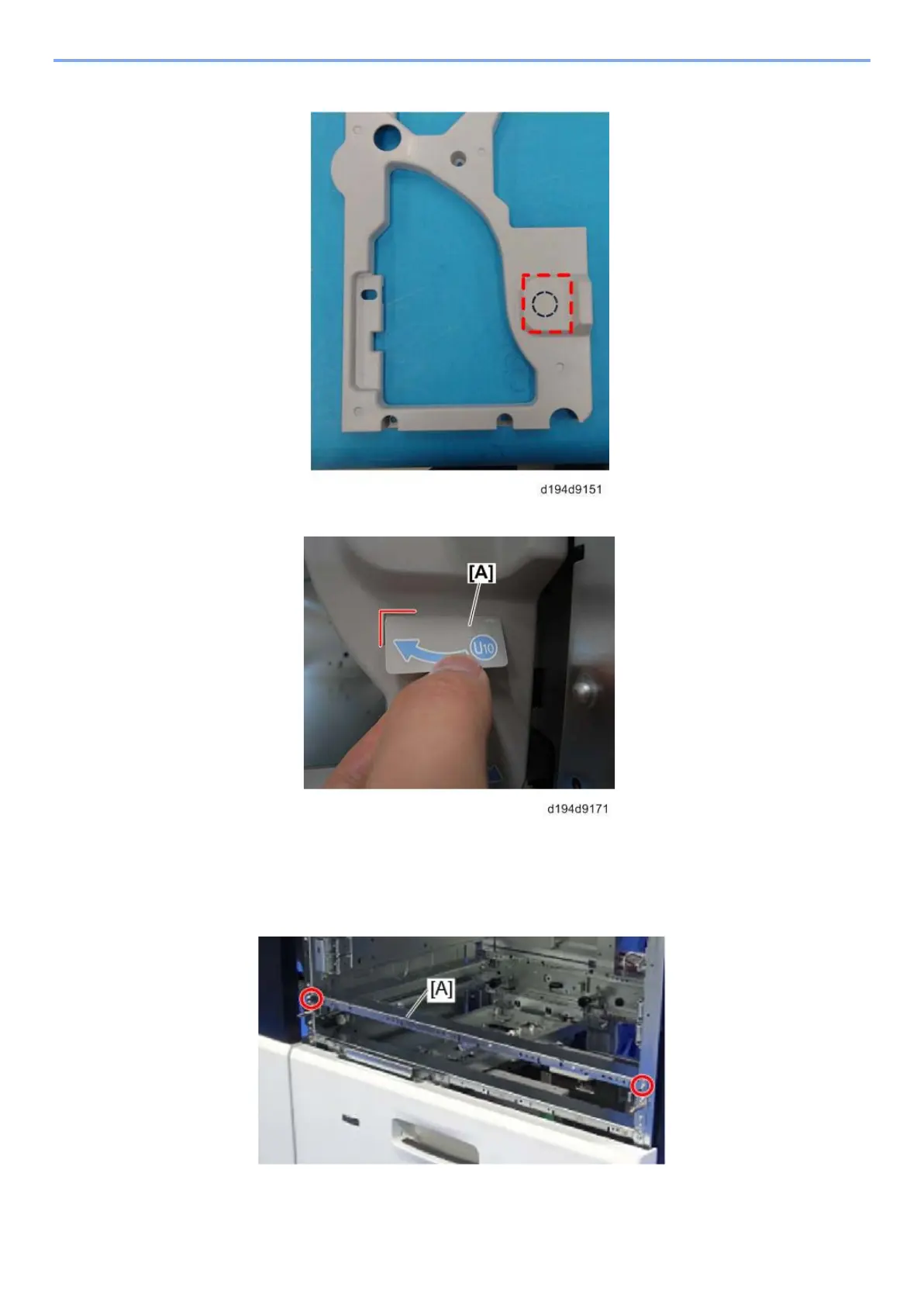
Cut out the plastic knockouts for the jam removal lever from the upper inner cover.
80
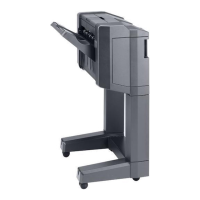
Paste the decal – U10 knob [A] to the lower side of the point where you cut.
81
Re-attach the upper inner cover and the knobs. These screws are used in Step 74 and
in Step 75.
82
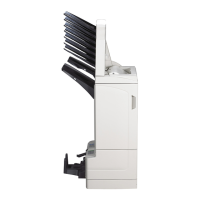
Attach the stay [A], which detents were attached to in step 67, to the paper feeder
(Screw x2).



 To Next Page