
 Need help?
Do you have a question about the La Crosse Technology 616-146Av3 and is the answer not in the manual?
Set the alarm hours and minutes using the ALARM and navigation buttons.
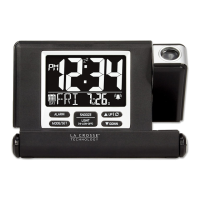
Turn the time alarm on or off using the ALARM button; a bell icon indicates it is active.
Silence the alarm temporarily for 9 minutes using the SNOOZE/LIGHT button.
Turn projection on or off using the +/PROJ button; hold for 3 seconds to turn off.
Start or stop a manual WWVB signal search using the -/TIME button; WWVB Icon will flash.
 General
| Type | Digital Alarm Clock |
|---|---|
| Display Type | LCD |
| Snooze | Yes |
| Power Source | AC Adapter |
| Time Display | 12/24 Hour |
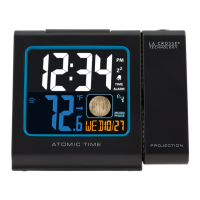
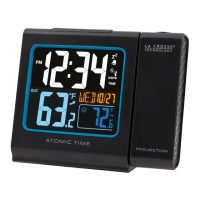
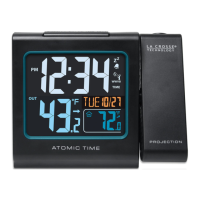
| Features | Indoor temperature and humidity display, atomic time and date, automatic daylight saving time reset |
| Alarm | Daily alarm with snooze function |
| Backup Battery | CR2032 Coin Cell Battery |



 To Next Page