57
1. Press and hold the MODE/MIN key for about 3 seconds. The current time zone
value at the bottom of the LCD display starts flashing.
2. Press and release MODE/MIN key to adjust the time zone. The range runs from
0h to 12h, then –12h to 0h, in consecutive 1-hour intervals.
3. Confirm with the SNOOZE key and enter the Manual time setting.
MANUAL TIME SETTING
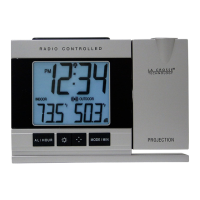
In case the Projection clock cannot detect the DCF-signal (for example due to
disturbances, transmitting distance, etc.), the time can be manually set. The clock will
then work as a normal Quartz clock.
1. The hour and the minute digits will start flashing.
Hour flashing
Minutes flashing




 To Next Page