58
2. Use the AL/HOUR key to set the hour; MODE/MIN key to set the minute.
3. Confirm with the SNOOZE key and enter the Calendar setting.
Note:
The unit will still try and receive the signal at 2:00 am despite it being manually set.
When it does receive the signal, it will change the manually set time into the received
time.
CALENDAR SETTING
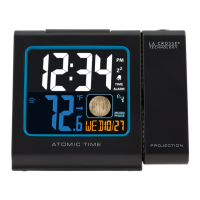
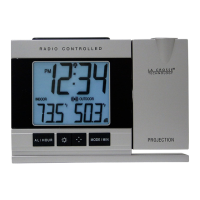
The date default of the Projection clock is 1. 1. in the year 2006. Once the radio-
controlled time signals are received, the date is automatically updated. However, if the
signals are not received, the date can also be set manually.
Flashing
Flashing
Flashing




 To Next Page