46
SETTING UP
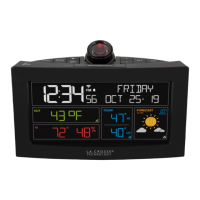
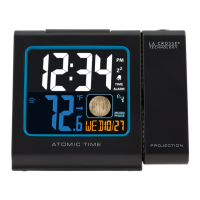
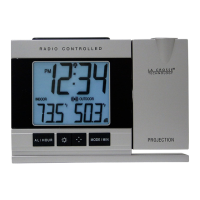
The Projection clock can be batteries operated or powered by the provided 3.4V
AC/DC adapter.
1. First, insert 2 x AA, IEC LR6, 1.5V batteries into the projection clock (or use the
A/C adapter to power up). Once the batteries are in place, all segments of the
LCD will light up briefly. Then the indoor temperature, the time as 0:00, will be
displayed. If the indoor temperature is not displayed after a few seconds, remove
the batteries and wait for at least 1 minute before reinserting them. Once the
indoor data is displayed proceed to step 2.
2. Within 1-1/2 minutes of activating the Projection clock, place 2 x AA, IEC LR6,
1.5V batteries into the transmitter.
3. After a few seconds of inserting the batteries into the transmitter, the projection
clock will start receiving data from the transmitter. The remote temperature will
then be displayed on the clock. If this does not happen after 2 minutes, the
batteries will need to be removed from both units and reset from step 1.




 To Next Page