6
Guide is laid out in a manner that allows you to program each function
separately, or you can follow the instructions entirely to program the
Projection alarm. Complete programming is usually done for the initial
set-up, and will require you to skip step 1 of programming sections “D”
through “H”. Press the “SNOOZE” button at any time to exit the Program
Mode, or wait approximately 15 seconds for the Projection Alarm to
automatically return to normal operation.
A. PROGRAMMING SEQUENCE
Default (Factory) Setting
1. Time Zone Setting -5 (eastern standard time)
2. Daylight Saving Time ON/OFF ON
3. Adjustable Snooze 10 Minutes
4. Hour Setting 12: AM
5. Minute Setting :00
6. Year Setting 01 (2001)
7. Month Setting 1 (January)
8. Date Setting 1
9. Day Setting MO (Monday)
10. 12/24-hour Mode 12-hour
B. FUNCTION BUTTONS
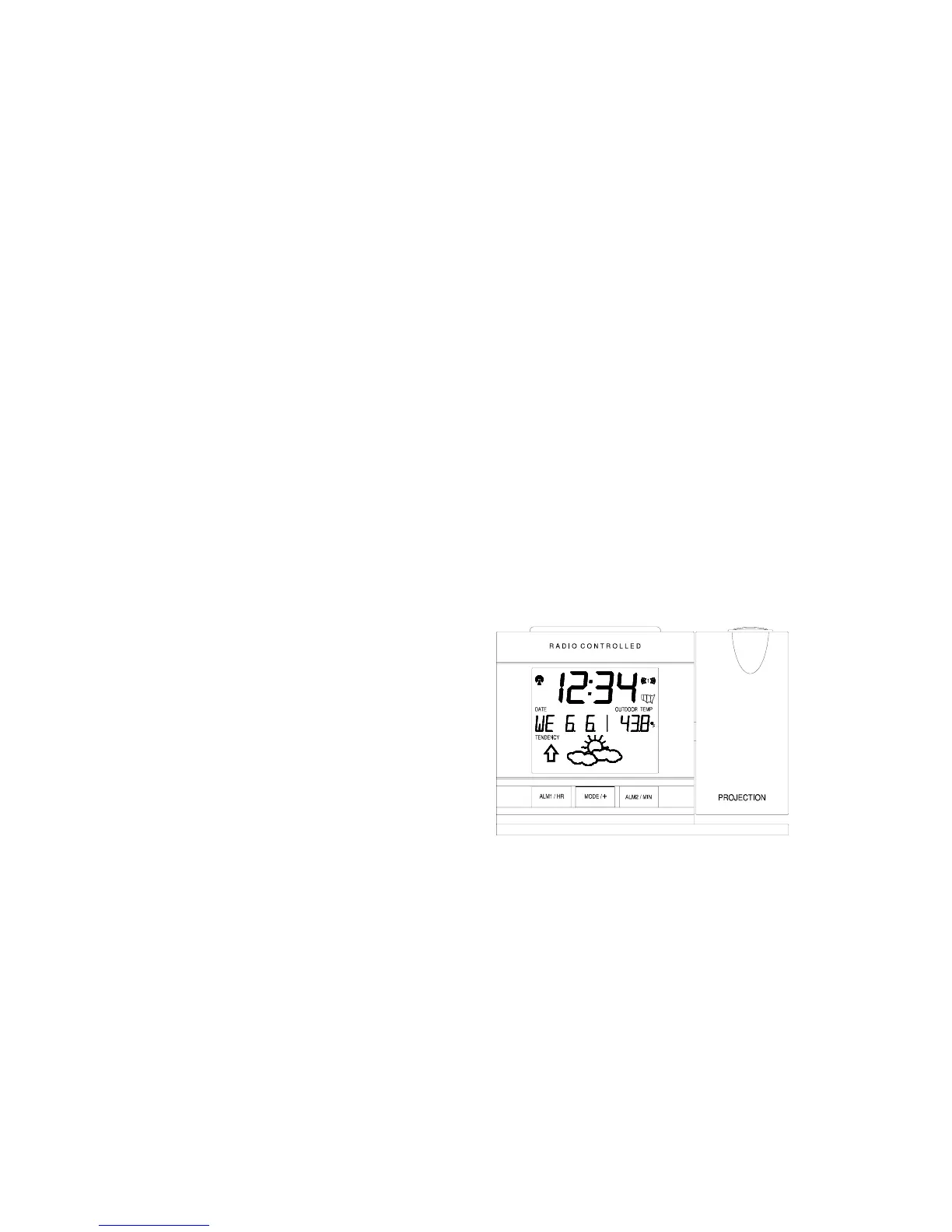
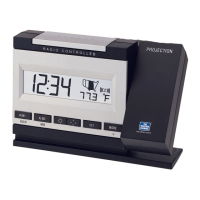
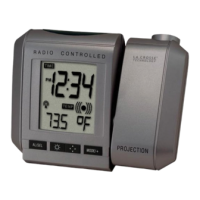
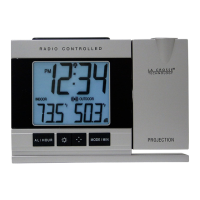
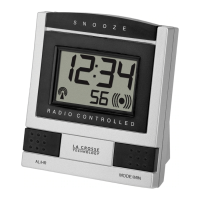
There are 8 function buttons;
three on the front, four on the
back and one on the top of
the projection alarm. The
function buttons are labeled:
ALM1/HOUR, ALM2/MIN,
light intensity icon, DISPL,
light direction icon, SET,
MODE/+, and SNOOZE (the
top bar).
C. TIME ZONE SETTING
1. Hold down the “SET” button for 1 second, the time zone (“-5” default)
will flash in the Date LCD.
2. Press and release the “Mode/+” button to select the appropriate time
zone. There are 13 time zones to choose from based relative to the
international time standard of GMT (“Greenwich Mean Time”)(shown
as “0h” on display).



 To Next Page