La Crosse Technology, Ltd Page 2
• Replacement Power Cord: Look on the back of the clock for the appropriate Power
cord number. It is important to use the correct power cord on all electronic devices.
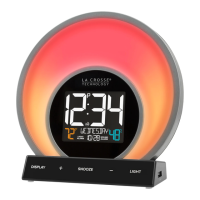
• The backlight will operate at five levels of intensity (including OFF) at your discretion
when using the power cable.
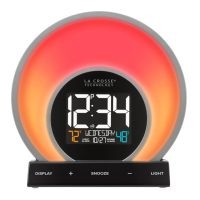
• The glow light will operate at five levels of intensity (including OFF) at your discretion
when using the power cable.
• Settings Backup: Your alarm clock has a capacitor that will keep settings for 6 minutes
in the event it loses power. Time will not display when unplugged.
Alarm Clock Factory Restart
Explanation: The factory restart returns the alarm clock to an “out-of-the-box” state and
often resolves an issue.
Factory Restart: Simply unplug clock for 15 minutes.
• If you’re still experiencing issues, use a pen or paper clip to press the factory RESET
button on the back of the clock.
Language
• This clock will show the weekday and directions in English (default), Spanish, French or
German.
• Use the program menu to select language.
12-Hour Time Format
• This clock only has 12-hour time format.
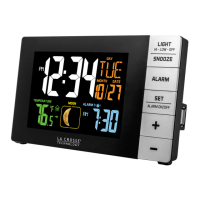
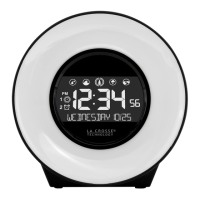
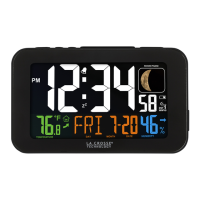
Does the clock have a backlight?
Yes, this alarm clock has a backlight.


 To Next Page