La Crosse Technology, Ltd Page 3
• Tap the button to adjust the backlight 5 levels of intensity.
• Intensity Levels: 0FF | 1.5% | 20% | 50% | 100%.
LCD Backlight is not on:
Try this exercise in a dim room. The backlight will operate at five levels of intensity
(including OFF) at your discretion when using the power cable. Touch the button a few
times. Wait 15 seconds to see if backlight stays on. This will assure it is not in OFF mode.
What is Auto Dim backlight?
You can set your backlight to automatically dim to level 1 at a set hour for sleeping, then
automatically return to full brightness when you wake.
Set Auto Dimming (Hour only).
1. Hold the button 2 seconds to enter dimmer set mode. AUTO DIM OFF will show.
2. Tap the buttons to turn dimmer (ON). AUTO DIM ON will show.
3. Tap the button to select start time (Hour) for dimmer. START TIME and the hour will
flash.
4. Tap the buttons to change the hour for the dimmer to be low light level.
5. Tap the button to select start time for dimmer to be on High light level. STOP TIME
and the hour will flash.
6. Tap the buttons to change the hour for the dimmer to be high light level.
7. Tap the button to confirm and exit.
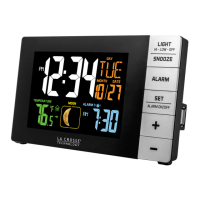
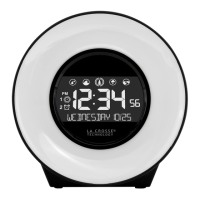
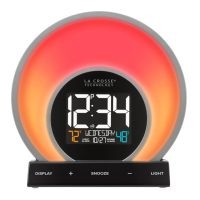
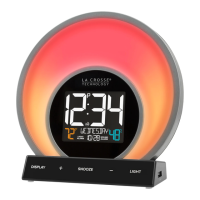
Glow Light Colors
COLOR LIGHT OPTIONS:
EVENING: The Evening Mode is a 30-minute cycle designed to simulate the setting
of the sun. Simply start the mode before bed and the light will gradually dim and shift
in color while you fall asleep.


 To Next Page