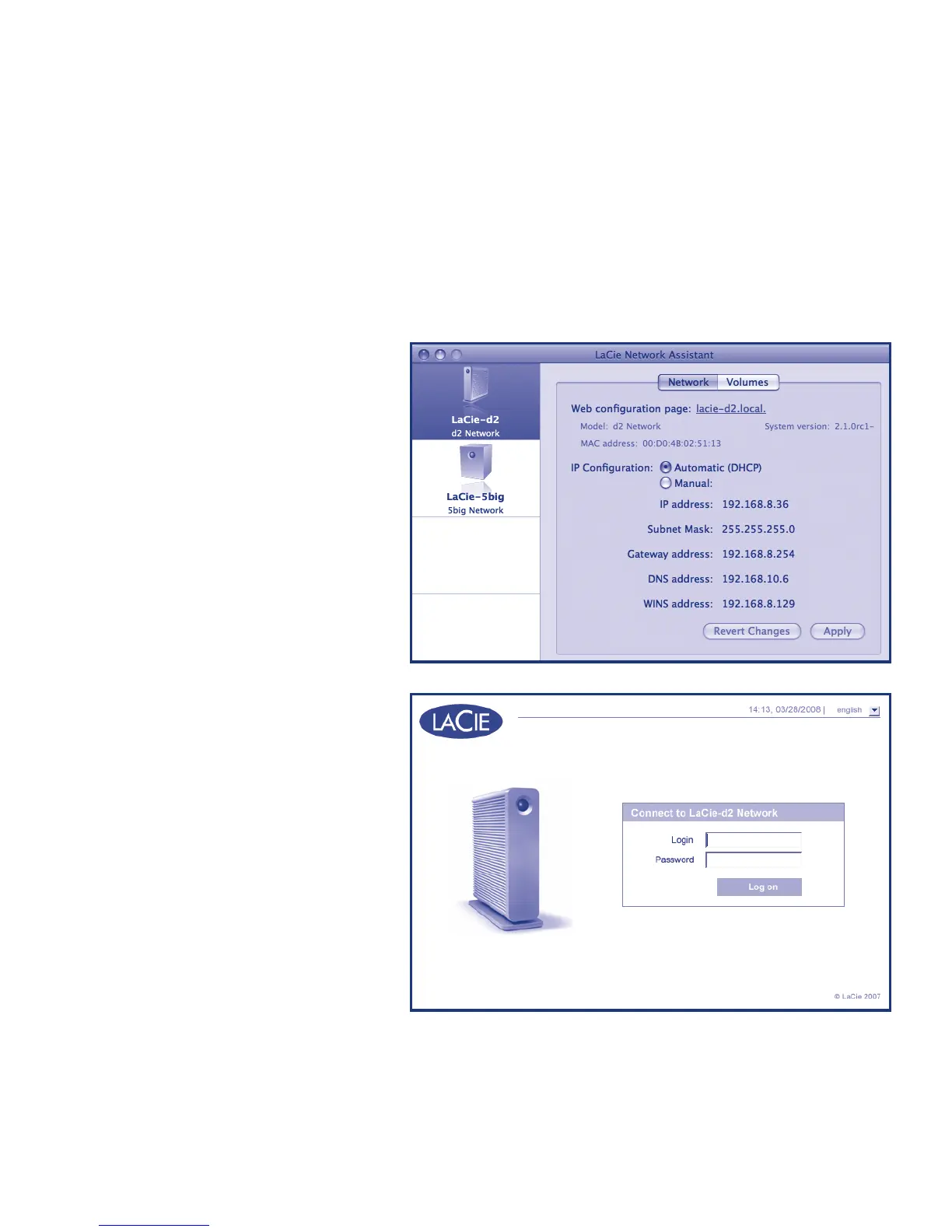
5. Right click the icon and select “Network Configuration” from the menu.
If more than one LaCie server appears in the menu, select “LaCie-d2” from
the list, then select “LaCie-d2.local”
6. The administration page will
open in your web browser.
Enter:
Login: admin
Password: admin
Click Log on.














 To Next Page