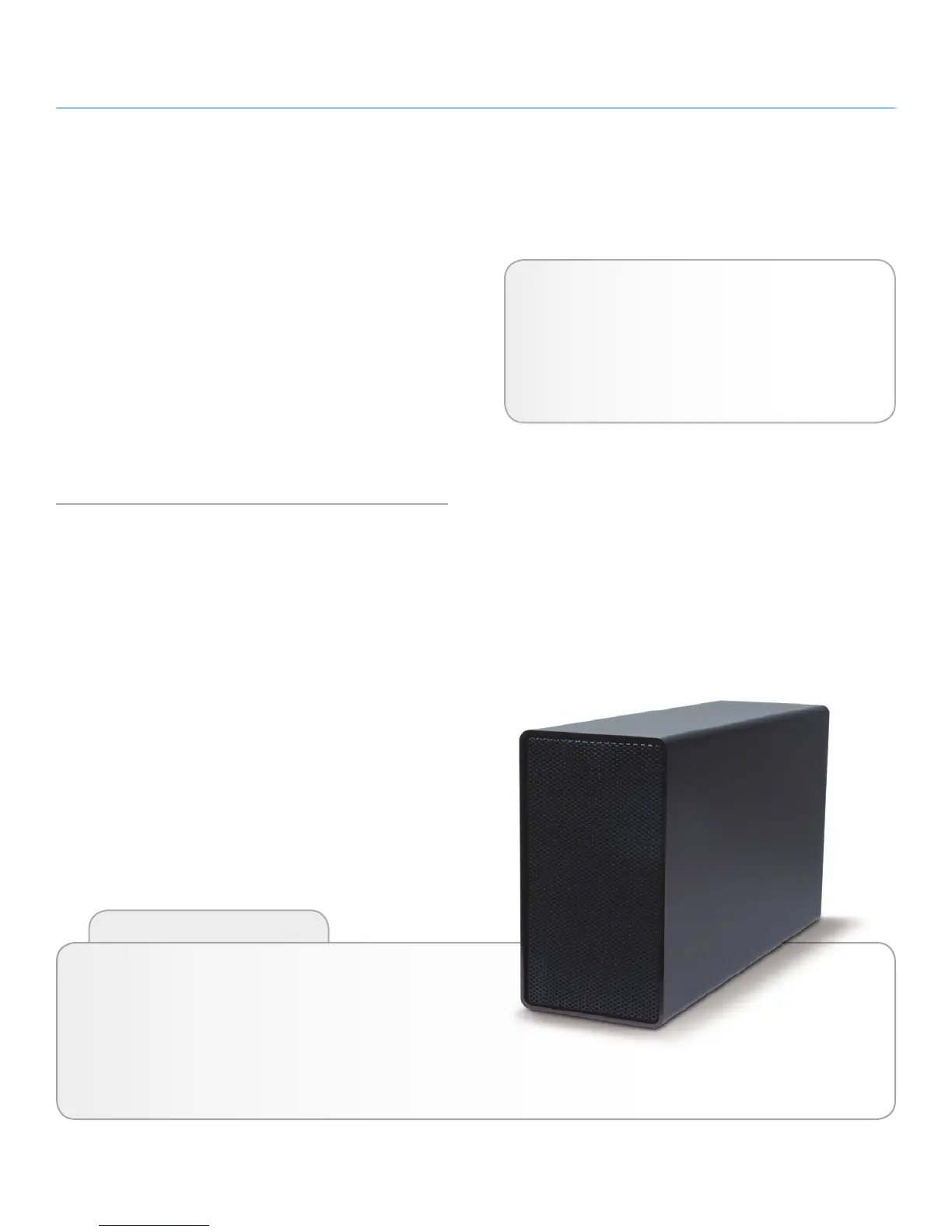
LaCie Desktop Hard Disk Introduction
User Manual page 4
1. Introduction to the LaCie
Desktop Hard Disk
Building on over a decade of design excellence,
LaCie has created a new line of drives that are timeless and craft-
ed to blend functionality with high-technology. These latest drives
are performance-based solutions that will power you through
your specific applications.
Ideal for speed intensive applications, the LaCie Desktop Hard Disk
handles the curves of your demanding data needs. Secure and sta-
ble, the LaCie Desktop Hard Disk is an ideal way to add space to
your computer; you can divide the drive into specific spaces (parti-
tions) for different parts of your data, or leave it alone and simply
use it as one big volume.
Features
✦ Simple and efficient USB desktop hard drive
✦ Easy for anyone to set-up and use
✦ Back up your files, music, photos and video
✦ Pre-formatted for cross-platform use with Windows &
Mac
Click a topic:
✦ Getting Connected
✦ Optional Formatting and Partitioning
✦ Troubleshooting
Quick Links











 To Next Page