Rugged RAID Shuttle Computer
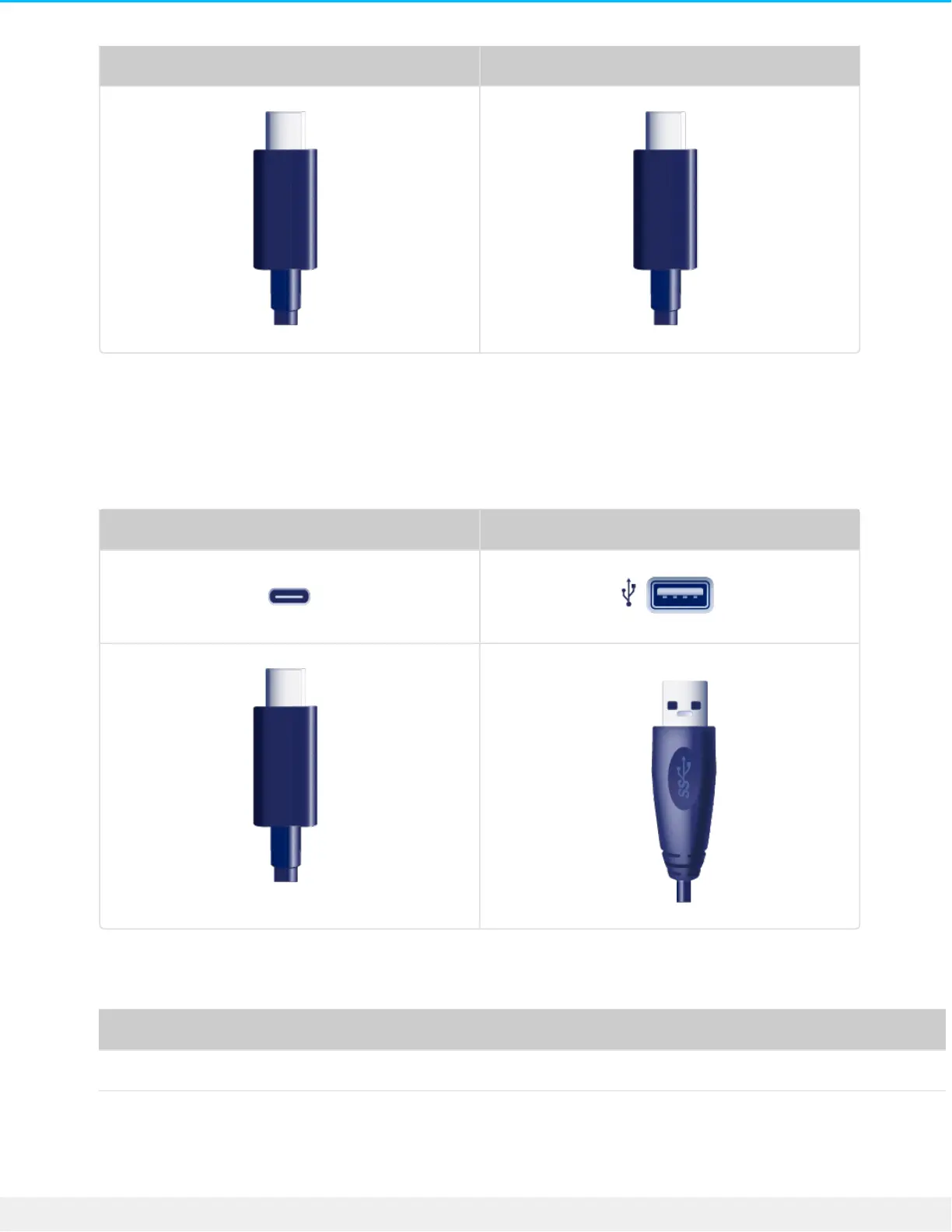
USB-C to USB-A cable
Use the USB-C to USB-A cable to connect Rugged RAID Shuttle to a computer’s USB-A port (USB 3.0 or USB
2.0).
Rugged RAID Shuttle Computer
Transfer rates with USB-A connections have the potential to reach the following speeds:
Port Transfer rates
SuperSpeed USB 3.0 up to 5Gb/s
Hi-Speed USB 2.0 up to 480Mb/s












 To Next Page