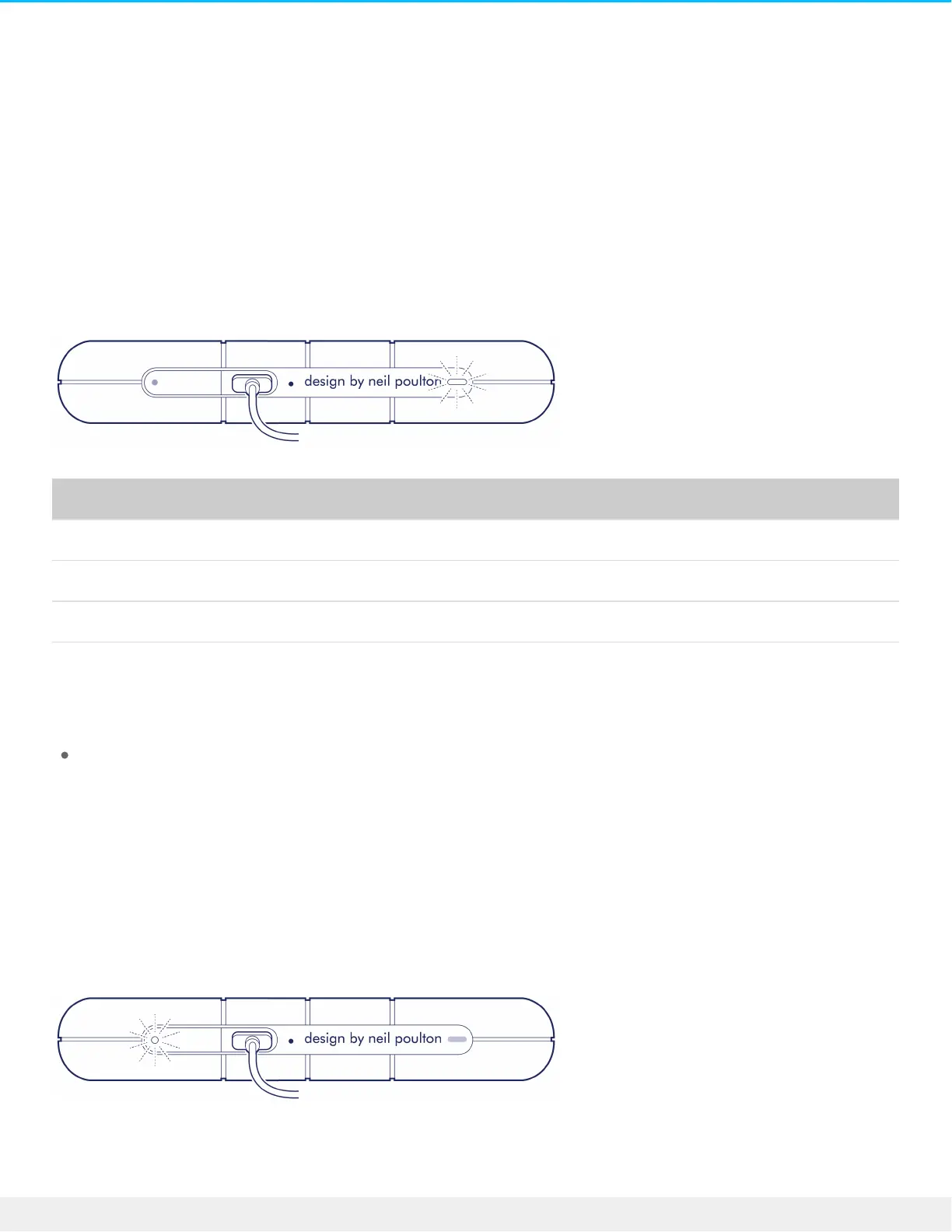
Acvity and Low Power LEDs
Acvity LED behavior
The activity LED indicates the status of Rugged RAID Shuttle.
LED State
On The device is ready.
Blinking The device is being accessed.
Fast blinking A drive is not ready.
Off Device inactive because it’s turned off or in power-saving mode.
Contact LaCie technical support if:
Activity LED remains off while the device is connected to a power supply and to your computer. Confirm
that Rugged RAID Shuttle is not in power-saving mode before contacting LaCie technical support.
Low power LED behavior
Rugged RAID Shuttle is designed to operate using power from the USB connection to your computer. If the
connection isn’t delivering enough power for Rugged RAID Shuttle to operate, the low power LED behind
the protective casing blinks.
If the low power LED light is blinking, connect the power cable to Rugged RAID Shuttle and then connect the












 To Next Page