Toolkit provides useful tools that let you easily:
Set up your drives for performance or protection.
Sync your computer data with Rugged RAID Shuttle.
Archive edited and deleted files.
For details on Toolkit features, see the Toolkit user manual.
Start here
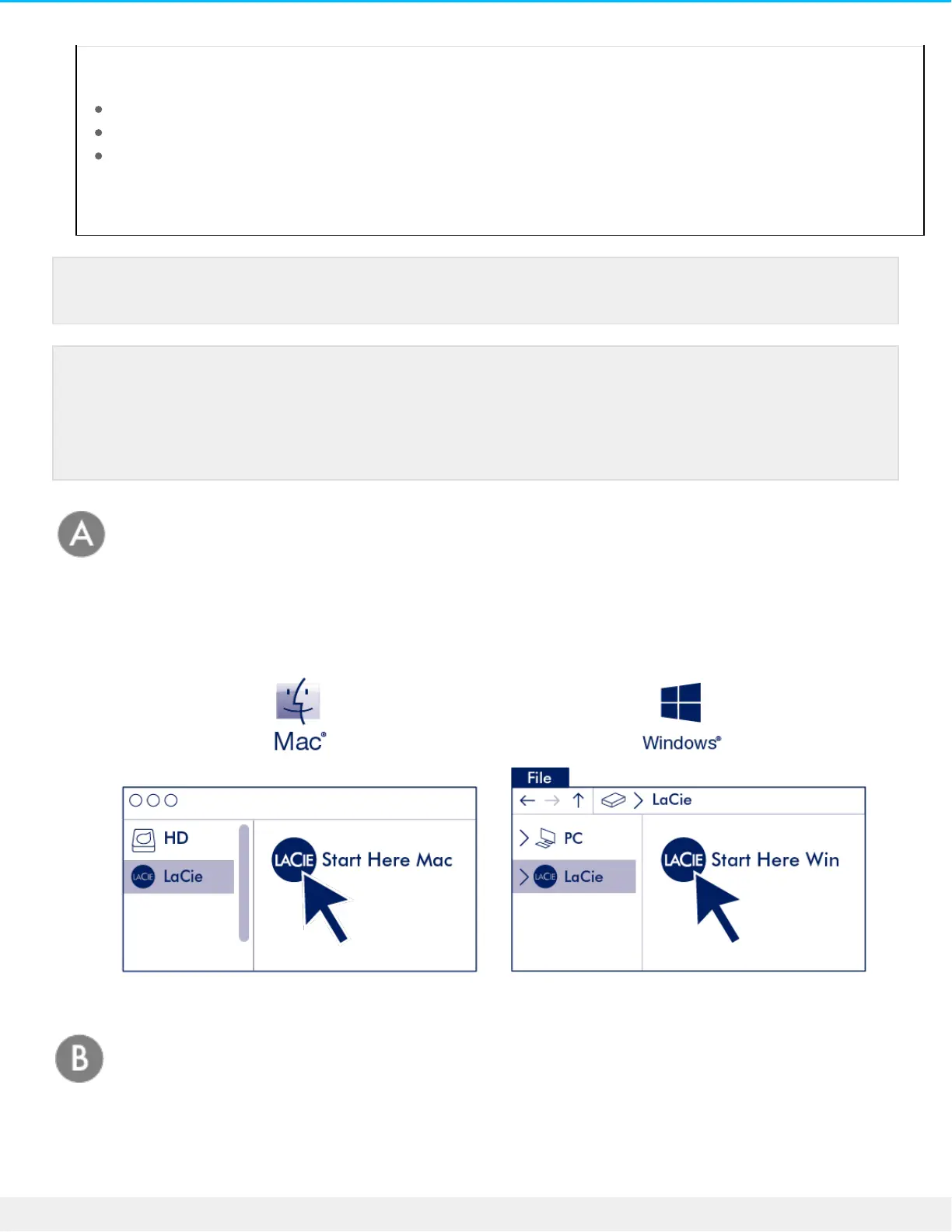
Using a file manager such as File Explorer or Finder, open LaCie Rugged RAID Shuttle and launch Start Here
Mac or Start Here Win.
Register your device
Enter your information and click Register.
Your computer must be connected to the internet to install Toolkit.
LaCie Rugged RAID Shuttle is delivered preformatted as exFAT and configured as RAID 0 for full
storage capacity. Files are not mirrored in RAID 0—if a disk fails, you may lose data. You can
change the configuration to RAID 1, which protects data in case one disk fails. To learn more
about RAID levels, see Manage RAID.












 To Next Page