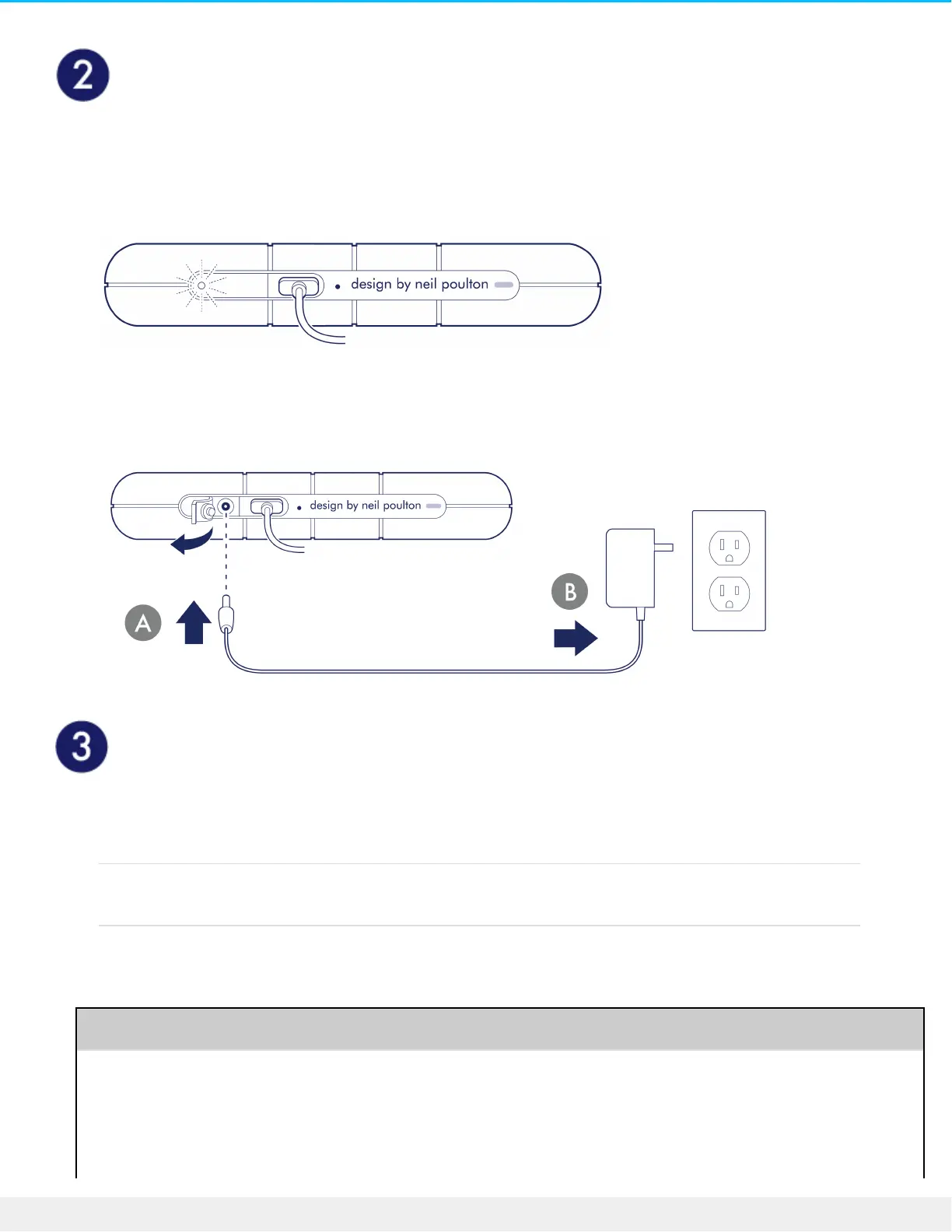
Check for power
LaCie Rugged RAID Shuttle is designed to operate using power from the USB connection to your computer.
If the USB connection isn’t delivering enough power for Rugged RAID Shuttle to operate, the low power LED
blinks.
If the low power LED is blinking, connect the power cable to Rugged RAID Pro and then connect the power
supply to a live power outlet.
Set up LaCie Rugged RAID Shule
The setup process helps you:
Register your device Get the most from your device with easy access to information
and support.
Install Toolkit Choose your RAID level, enable security, manage backup plans
and mirror folders, and much more.
Learn more about Toolkit












 To Next Page