Windows 8 / Windows 10:
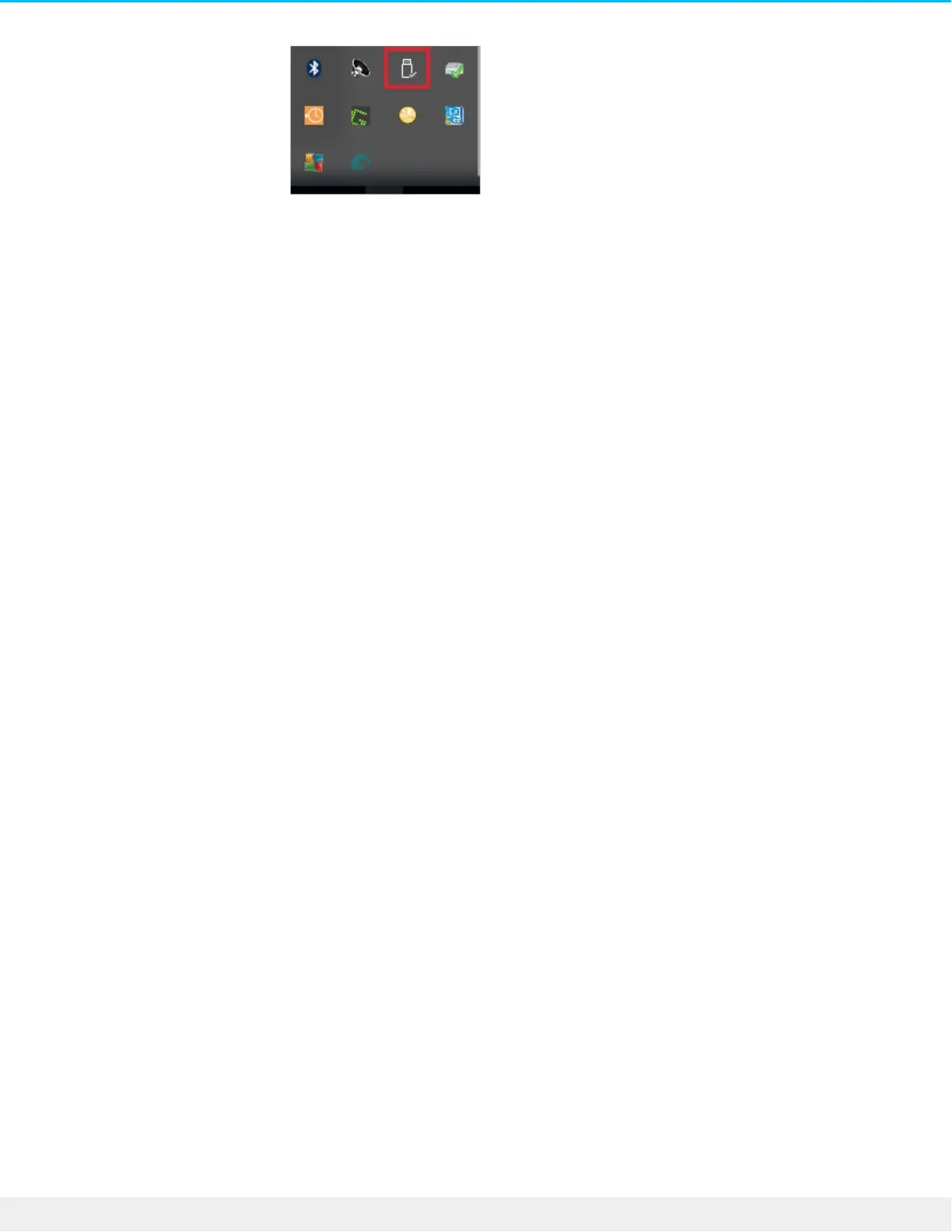
2. If you don't see the Safely Remove Hardware icon, click the Show hidden icons arrow in the system tray
to display all icons in the notification area.
3. In the list of devices, choose the device you want to eject. Windows displays a notification when it is
safe to remove the device.
4. Disconnect the hard drive from the computer.












 To Next Page