22
3.13.1 Squelch Level
It shall be possible to set the different squelch levels for the radio.
The selected level setting shall be for all programmed channels.
Selectable levels: 0 – 6
Note
The squelch level setting shall directly control the receiver.
Before storing the level it shall be possible to hear that the squelch is closed.
This is very useful for determining the level for the radio before storing it.
Selecting level
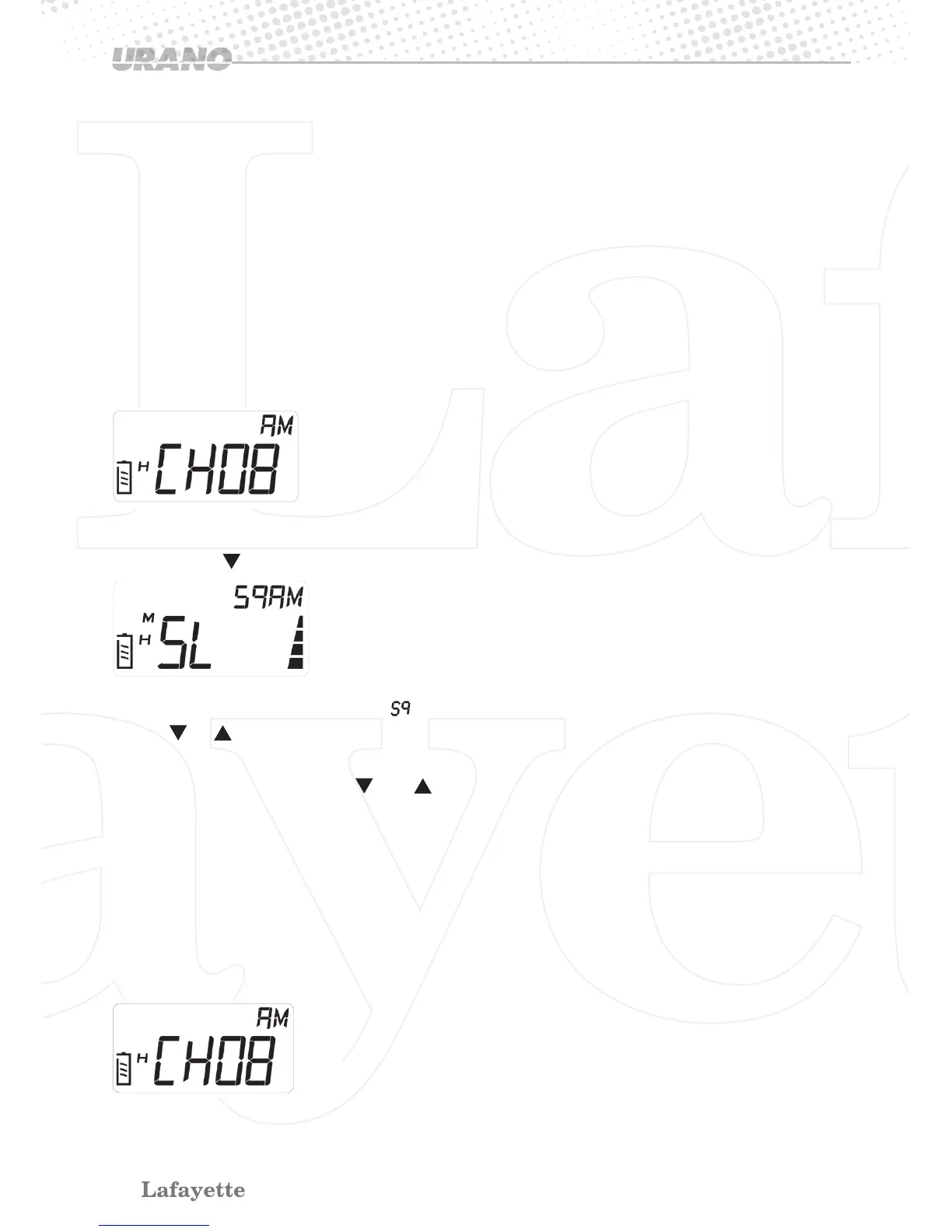
> Start position
• Press [F] + buttons to set the Squelch Level.
> SL 01 is shown on the display; “ ” icon is blinking.
•
Press
or
button for selecting Squelch Level from 0 – 6.
•Press [F] button to save the Squelch Level setting and go to “Battery Saving” setting mode.
•Press any other button except and button, it will return to operating mode without stor-
ing the setting.
Levels
0 = Squelch always open
1= first level has to be defined
2 – 6 = levels shall be with 3dB difference between the steps (1-6).
3.13.2 Battery Power Save
> Start position


 To Next Page