43
MULTIPLE TOOL PROGRAM (Cont’d.)-SETTING Z WORK ORIGIN
Set the Z origin point [Manually].
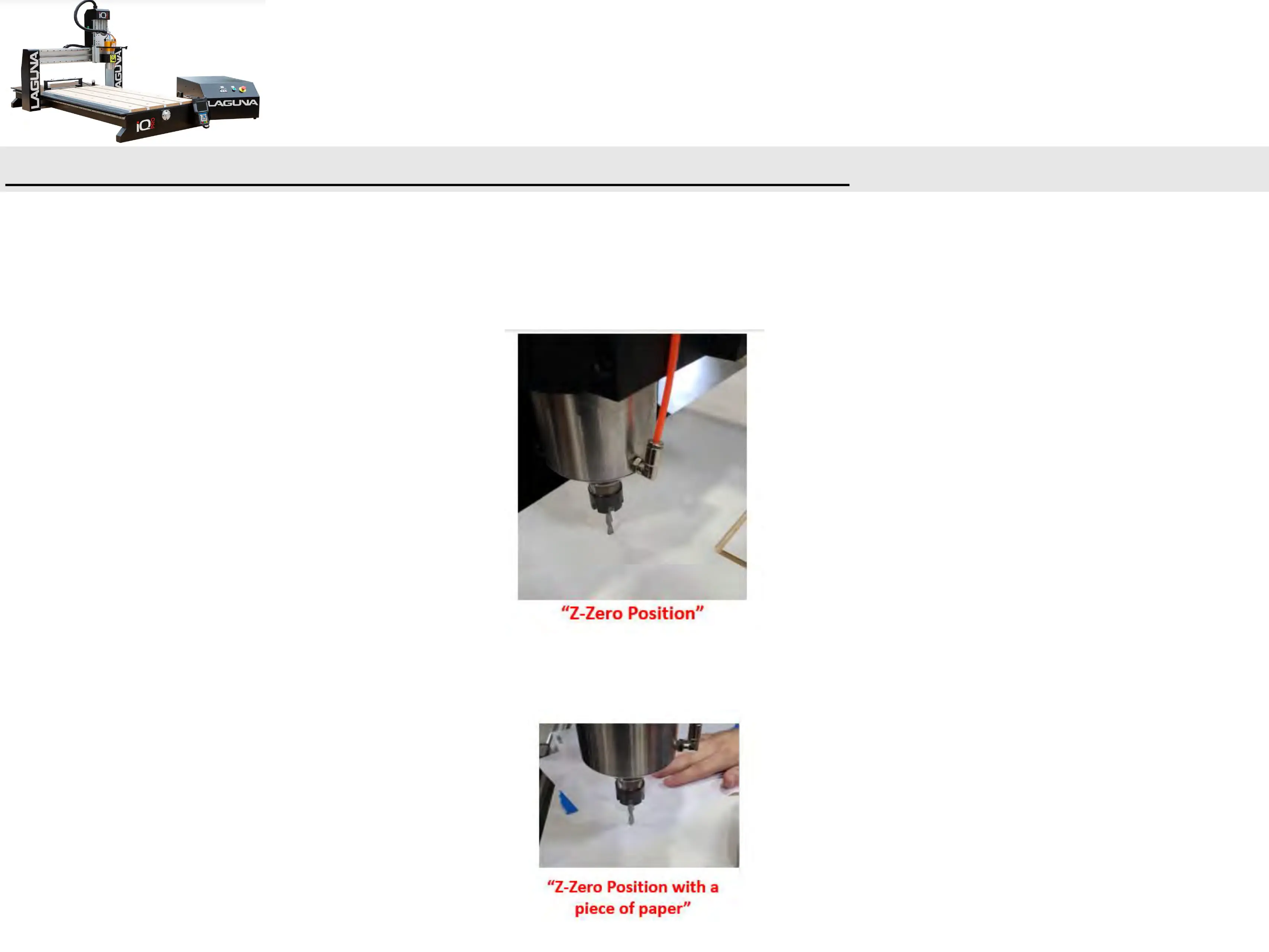
a. Set jog speed to low and carefully move the spindle down towards the top of your
material until the desired “Z”, Zero “0” position is obtained.
i. It may be helpful to use a sheet of paper by sliding it back and forth under the router bit,
while jogging the z-axis down. Once the paper is snagged by the bit you know you are
within a paper thickness(0.1mm).


 To Next Page