45
MULTIPLE TOOL PROGRAM (Cont’d.)-RUN PROGRAM
Transfer your g-code program onto a USB and transfer into the controller's internal memory.
When running a program directly from a USB, memory transfer is less reliable.
It is recommended to store the program in the controller's internal memory.
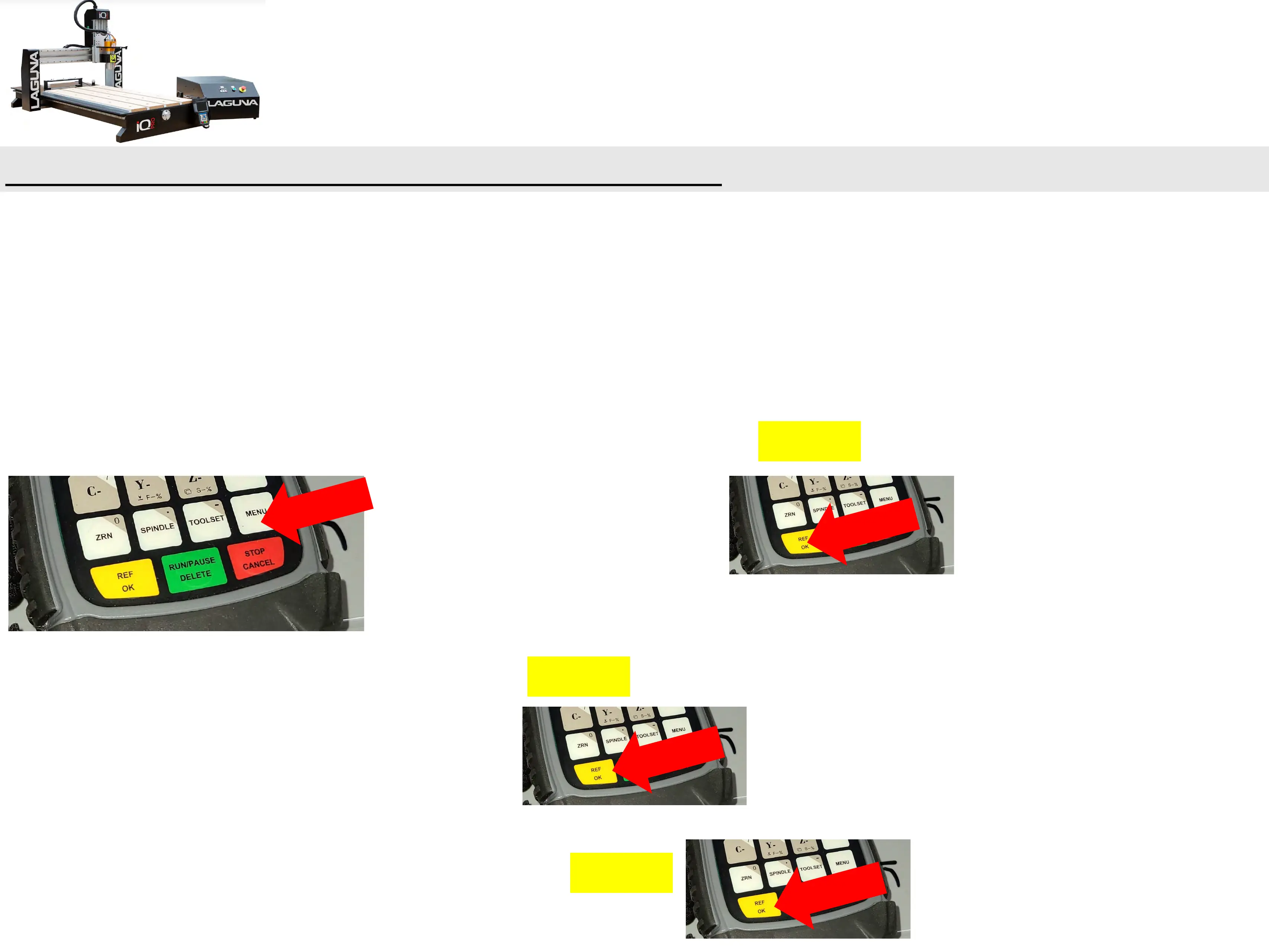
a. MENU --> Scroll to Menu Function User Interface --> REF/OK.
b. Scroll to Machine Configuration --> REF/OK.
c. Scroll down to Operate File then Press REF/OK.


 To Next Page