23 OVEN MANAGEMENT
23.3 - SELECTING USER LANGUAGE
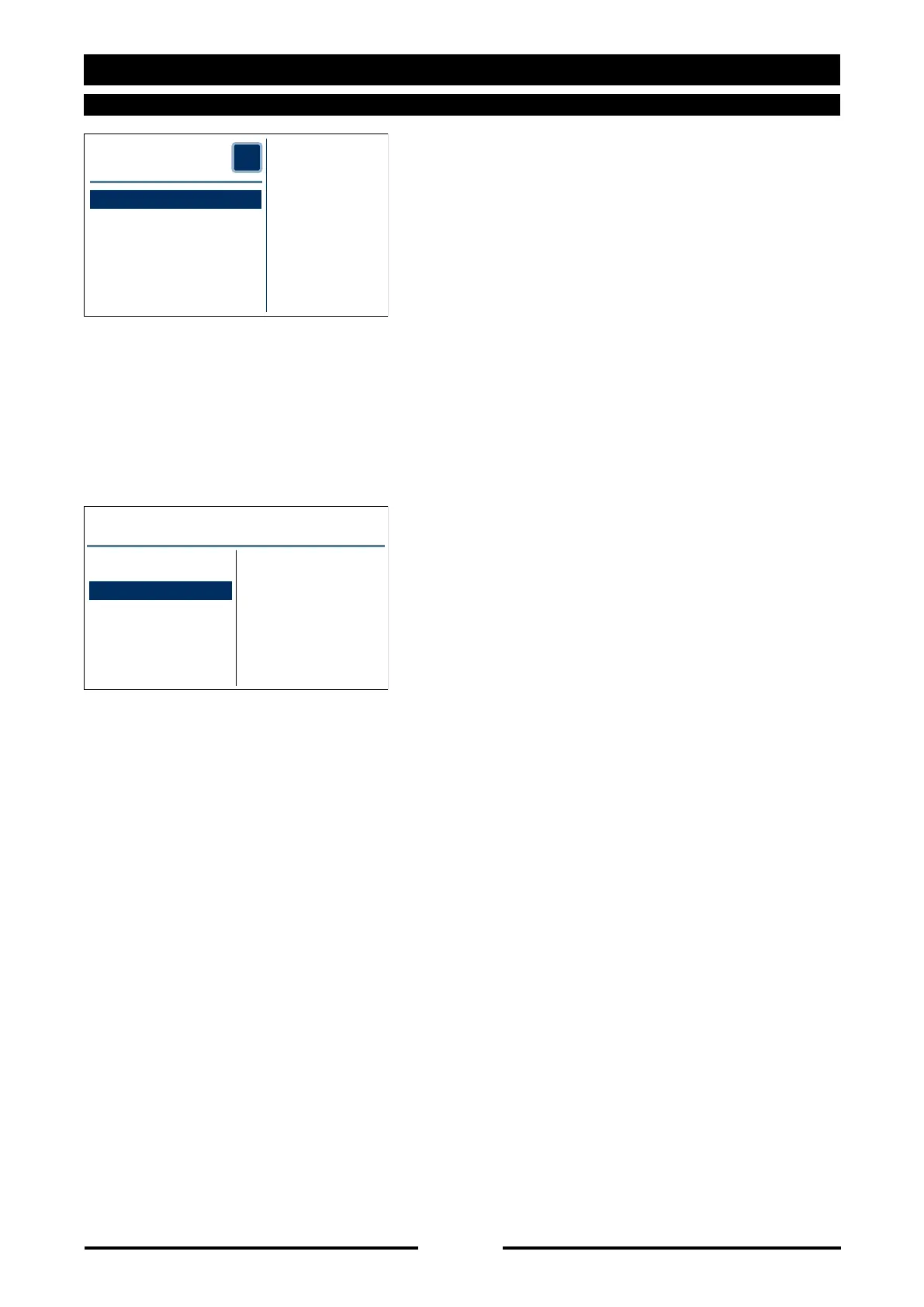
Press “User language” or turn the
Scroller+ to highlight “User language” and
confirm by pressing the Scroller+.
Select the desired language directly on
the touch screen or turn the Scroller+ to
highlight it and confirm by pressing the
Scroller+.
OVEN MANAGEMENT
?
MODEL:
CEV061X
S/NUMBER:
LA0200AAAA
SOFTWARE:
VER306REV000a
Service
User setting
User Language
User language
Italiano
English
Deutsch
Español
Français
90027560rev00





 To Next Page