Interface Description
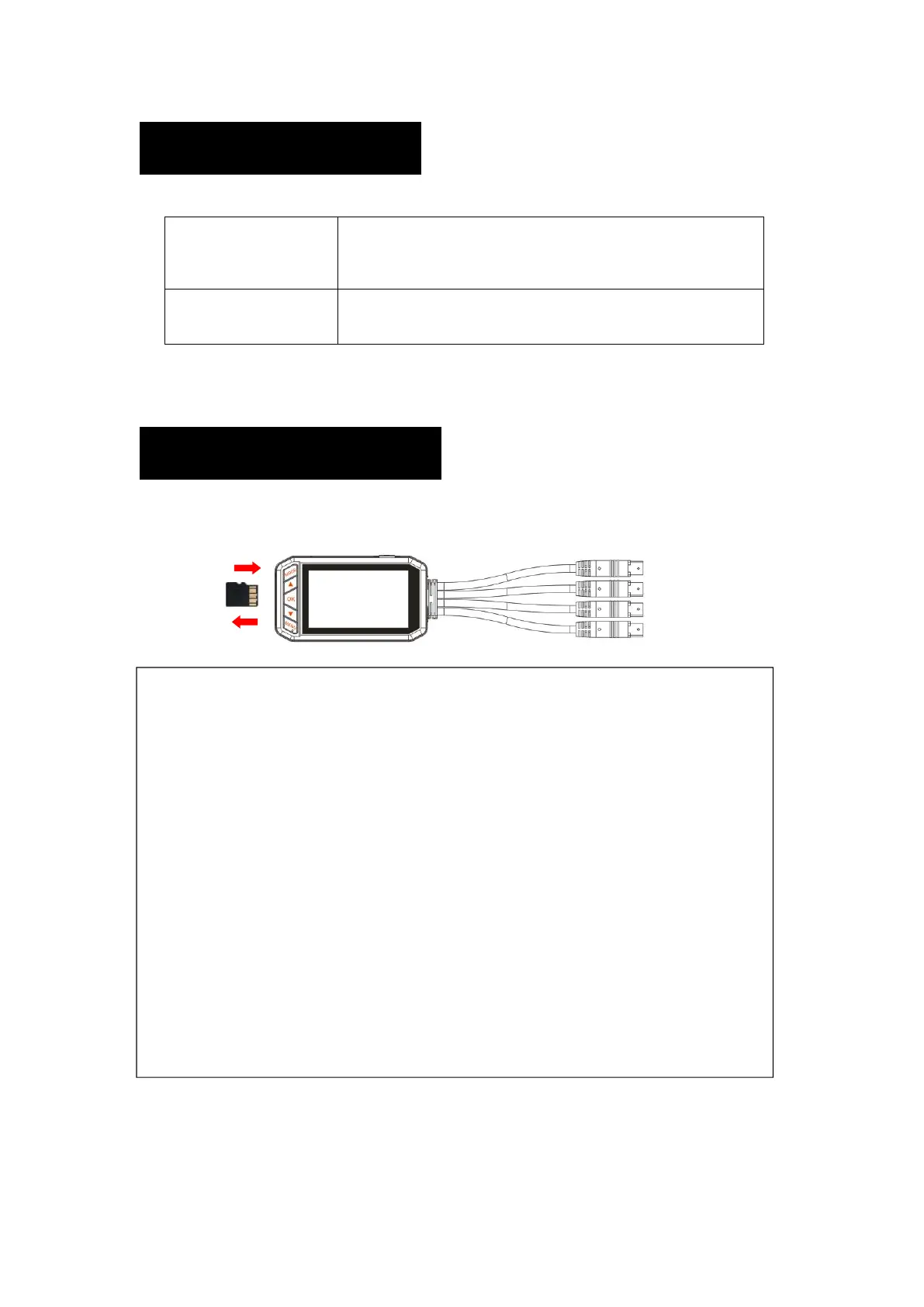
About Micro SD Card
Don’t use any other micro SD card than specified. There is a possibility that data may
be damaged or not recorded.
It can be charged using a commercially available
Micro USB cable and AC adapter (Certified 5V 2.0A).
※ Don’t suggest connect to PC.
8 128GB micro SD card supported.
※ Class10 recommended
●Use a card with a capacity of 8 to 128 GB and a speed of "Class 10 UHS-I" and
higher.
If you use a card of less than Class 10, recording may not be possible.
●Please format the card into FAT32 format on a PC before starting recording.
※Formatting the card will delete all the contents of the record. Please backup
data in advance.
●If an accident occurs, ensure the power turn on so that the data recording the
moment of the accident is written. Please cut and remove the micro SD card.
1.Don't release your finger until you remove the card.
2.Please format the card regularly. ※Recommended once a month
3.Inserting and removing the card while the power is on may result in data
corruption or damage to the machine.


 To Next Page