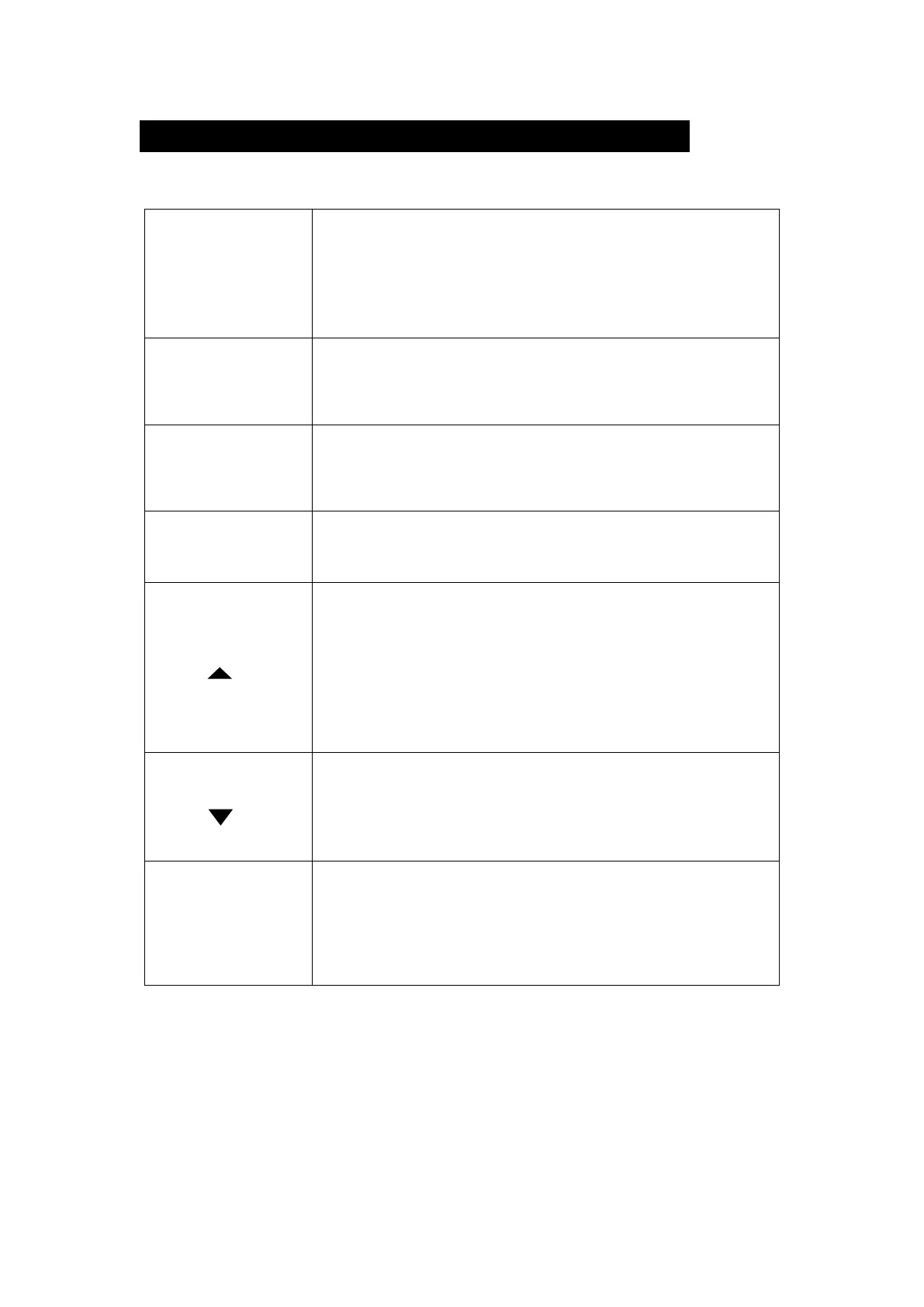
Description of Button Function
1.Power ON/OFF
Press and hold for about 3 seconds to turn on / off the
power.
2.Screen Saver
Short press while in the power on mode to turn on / off
the display.
Switching Mode Button
Short press to switch to playback mode while recording is
stopped.
Short press again to return to recording mode.
You will enter the system setting screen.
Short press to enter the system setting mode while
recording stopped.
Short press again to return to recording mode.
1.Recording mode: Short press to start/stop recording.
2. Setting menu: Short press to confirm the installation.
3. Play mode: Short press to play / stop the movie.
1. Setting Menu: Short press to move to the front of the
cursor.
2. Recording Mode: Short press to switch rear and front
camera display mode.
Press and hold for about 3 seconds to turn the microphone
on / off.
3. During Video Playback: Press briefly to rewind.
1. Setting Menu: Short press to move to next option.
2. Standby / Recording: Short press to take a screen shot.
3. During Recording: Press and hold for about 3 seconds to
lock file.
4. During Video Playback: Short press to fast forward.
Screen Shot/
SOS record button
1.Short press to take an image on the front and rear camera
while recording.
2.Press and hold for about 3 seconds during recording to
activate emergency recording.


 To Next Page