23
PROGRAMMING GCCO-PT CONT’D
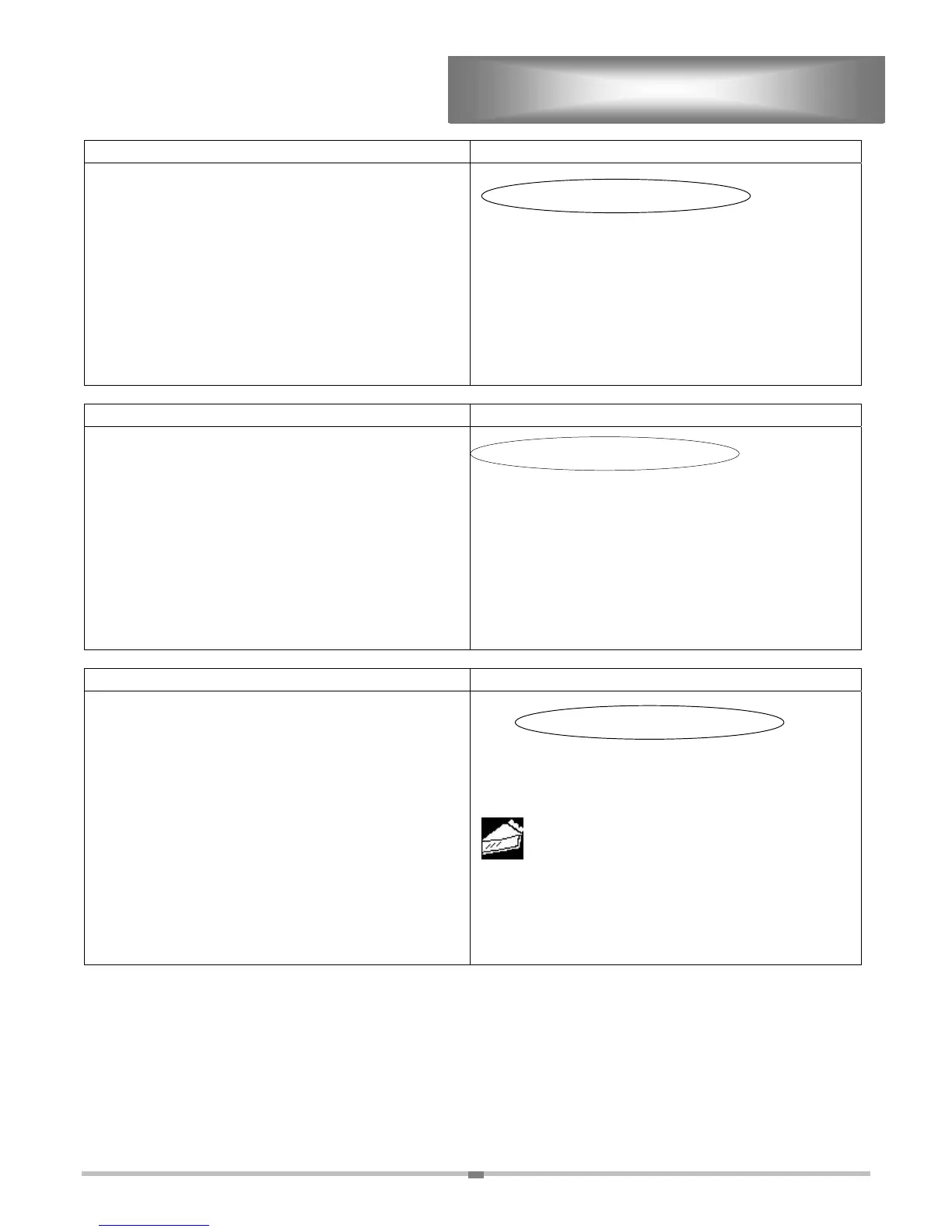
ACTION DISPLAY
Step 5. Select:
PROGRAM PRODUCTS
PROGRAM PRODUCTS
EDIT READY ZONE
EDIT ACCESS CODE
ENABLE MANUAL PRODUCT
CONFIGURE TIME OF DAY
ACTION DISPLAY
Step 6. Select:
CREATE NEW PRODUCT
CREATE NEW PRODUCT
EDIT PRODUCT
DELETE PRODUCT
EDIT PRODUCT
ACTION DISPLAY
Step 7. “SELECT PRODUCT ICON” is the first
screen when creating a product program.
Press until you find an icon that best
resembles your product. If necessary, press
to go backward through the icon list.
Select “ENTER” to accept the icon, and more
to the next screen
SELECT PRODUCT ICON
USE KEYS TO SELECT
THEN PRESS ENTER TO ACCEPT
APPETIZER A
ENTER


 To Next Page
 Loading...