24
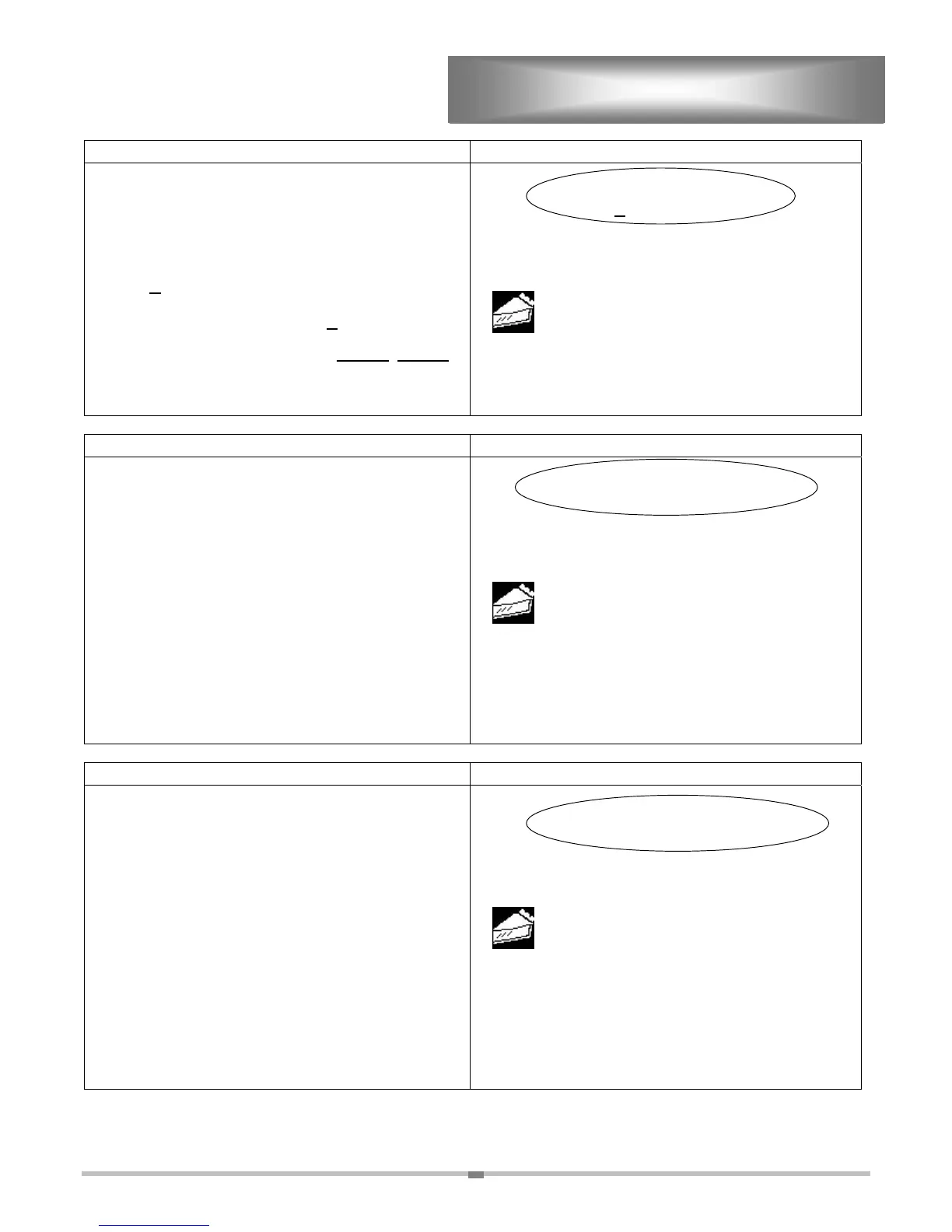
PROGRAMMING GCCO-PT CONT’D
ACTION DISPLAY
Step 8. “SELECT PRODUCT NAME” is where you
spell the name using the or to select
each letter. Then select “ENTER” to move
the cursor to the next space and select a new
letter.
NOTE: “A
PPETIZER A” is the name that must be
replaced with the new product name or blanks, when
the product name is shorter than “A
PPETIZER A”.
EXAMPLE: “APPLE” replaces only APPET
, IZER A
must be replace by blanks. A blank can
be found before “A” or after “9” when
scrolling.
SELECT PRODUCT NAME
A
PPETIZER A
USE KEYS TO SELECT
APPETIZER A
ACCEPT
ENTER
ACTION DISPLAY
SELECT PRODUCT TEMPERATURE
100
USE KEYS TO SELECT
APPLE
TIER 1
Step 9. “SELECT PRODUCT TEMPERATURE”
Press the or to select a number. Then
select “ENTER” to move the cursor to the
next space and select a new number. The
screen will automatically advance after you
enter the last number.
EXAMPLE: (320) Press
three times for a “3”, then
select “ENTER” to advance the cursor.
Press
two times for a “2”, then select
“ENTER” to advance the cursor. Since
“0” is already displayed just select
“ENTER” to advance to the next screen.
ACCEPT
ENTER
ACTION DISPLAY
SELECT TIER COOK TIME
00:45:00
USE KEYS TO SELECT
APPLE
TIER 1
TEMP: 320F
Step 10. “SELECT TIER COOK TIME”. Time is
entered in hours:minutes:seconds. The
maximum is 12:59:59. Select “ENTER” to
advance cursor to the place you want to
enter a number.
EXAMPLE: (45 minutes:00 seconds) Select “ENTER”
twice to advance from hours to minutes,
then press
four times for a “4”, then
select “ENTER” to advance the cursor.
Then press
five times for a “5”, then
select “ENTER” to advance the cursor.
Since “0” is the next two numbers simply
select “ENTER” again twice to advance
the cursor.
ACCEPT
ENTER


 To Next Page
 Loading...