User Authentication
13
1
Log Off (Using the Control
Panel)
Follow the procedure below to log off
when Basic Authentication, Windows
Authentication, or LDAP Authentica-
tion , Integration Server Authentica-
tion is set.
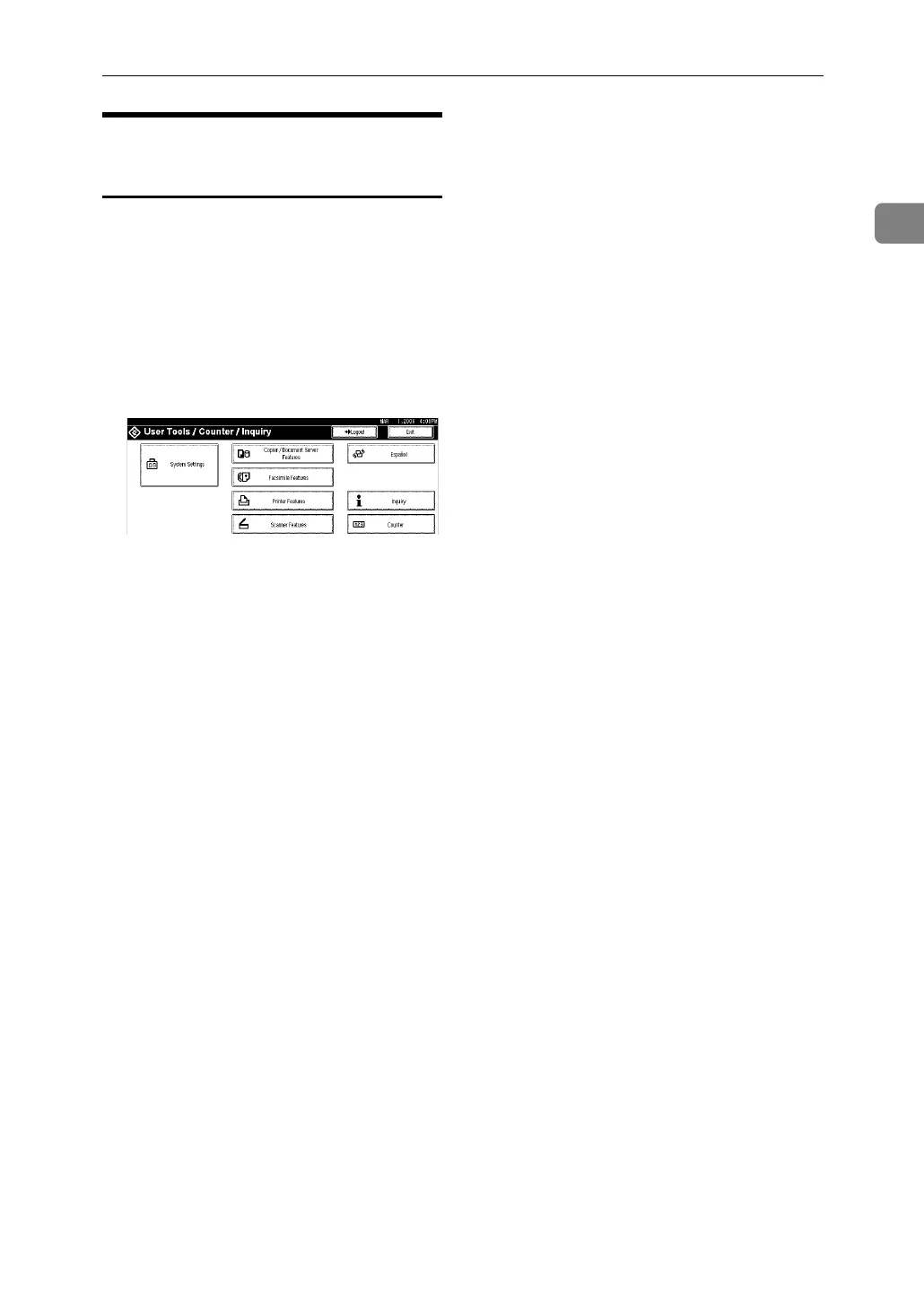
A Press {User Tools / Counter}.
B Press [Logout].
C Press [Yes].
D Press{User Tools / Counter}.



 To Next Page