Delivering Scan Files
64
5
Delivering Scan Files
Delivery Procedure
A scan file is delivered after scan set-
tings and destinations are specified. If
necessary, you can select a sender and
a subject.
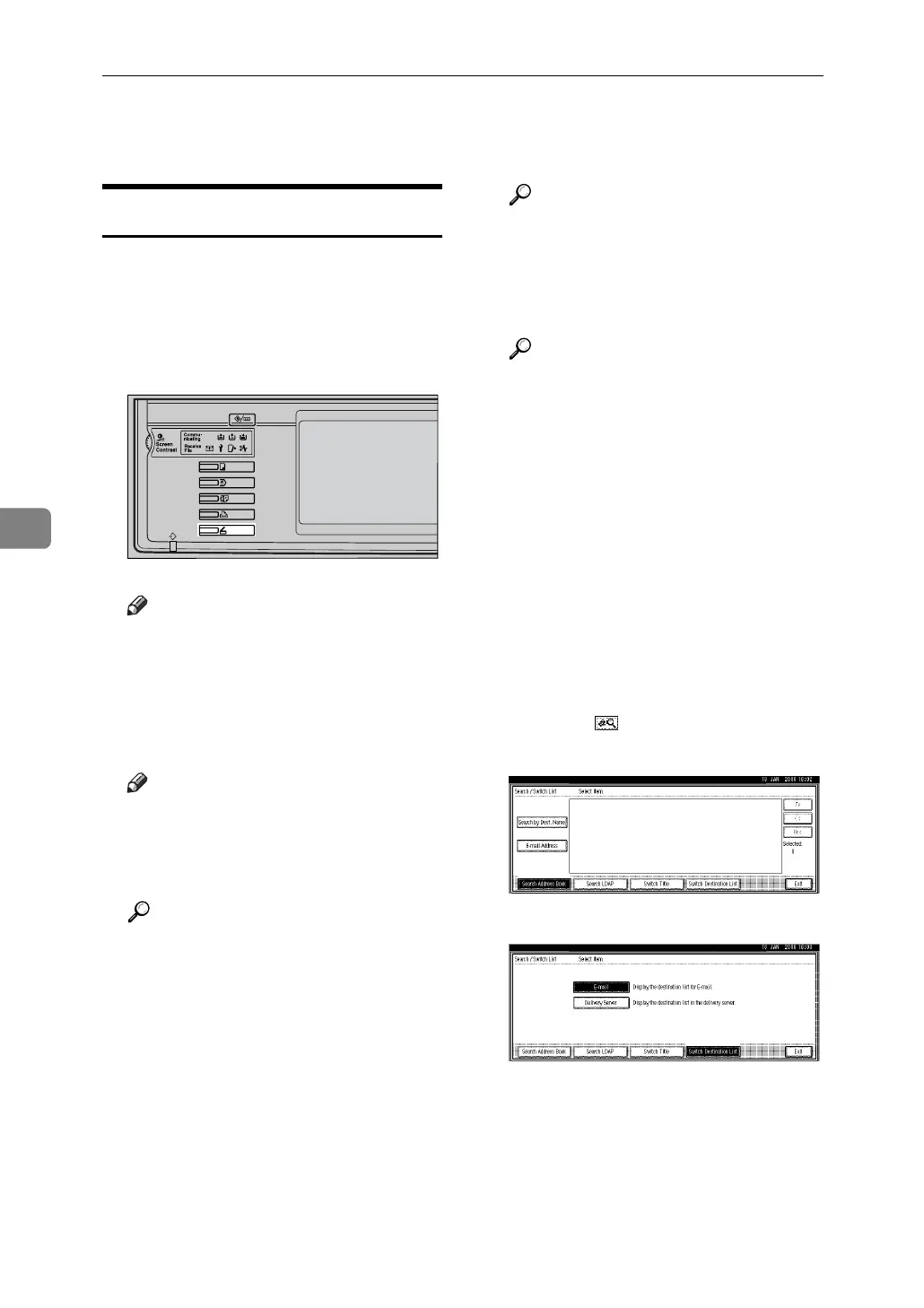
A Press the {Scanner} key.
Note
❒ The illustration is an example.
The actual appearance may be
different.
B Make sure that no previous set-
tings remain.
Note
❒ If a previous setting remains,
press the {Clear Modes} key.
C Place originals.
Reference
The procedure for placing origi-
nals is the same as that for plac-
ing originals for copying. For
details about placing originals,
see “Placing Originals”, Copy
Reference.
D Make settings for original orien-
tation, the sides scanned, and oth-
er settings if necessary.
Reference
p.79 “Making the Settings Relat-
ed to the Orientation of the
Original and Scanned Sides”
E Make the scan settings.
Reference
There are two ways to specify
scan settings, as described be-
low:
• Configure each setting for
scanning. For details, see
p.77 “Specifying Scan Set-
tings”.
• Recall registered settings. For
details, see p.86 “Recalling a
Program”.
F
If the e-mail screen appears, switch
to the network delivery scanner
screen.
A Press [].
B Press [Switch Destination List].
C Press [Delivery Server].
D Press [Exit].
The network delivery scanner
screen appears.
ZZZ607S



 To Next Page