Programs
87
7
D Press [Yes].
The program is deleted, and the
display returns to the initial dis-
play after a moment.
Changing the Program Name
A Make sure the {Scanner} key is se-
lected, and then press the {Pro-
gram} key.
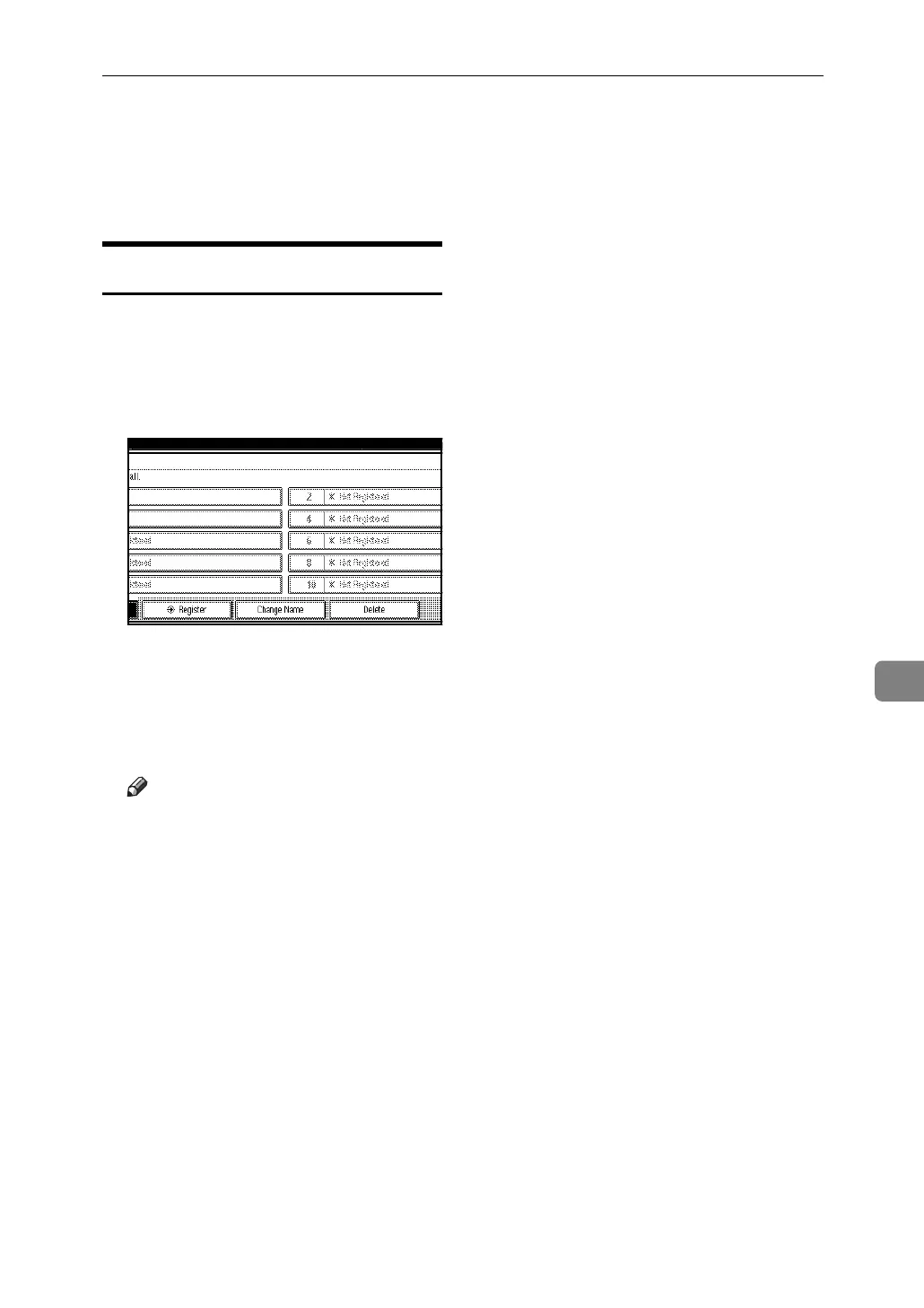
B Press [Change Name].
C Press the number of the program
for which you want to change the
name.
D Enter a new program name.
Note
❒ A program name can be entered
using up to 40 characters.
E Press [OK].
The new program name appears
briefly, and then the display re-
turns to the initial display.



 To Next Page