Delivering Scan Files
70
5
D Select the destination.
E Specify the sender and a subject if
necessary.
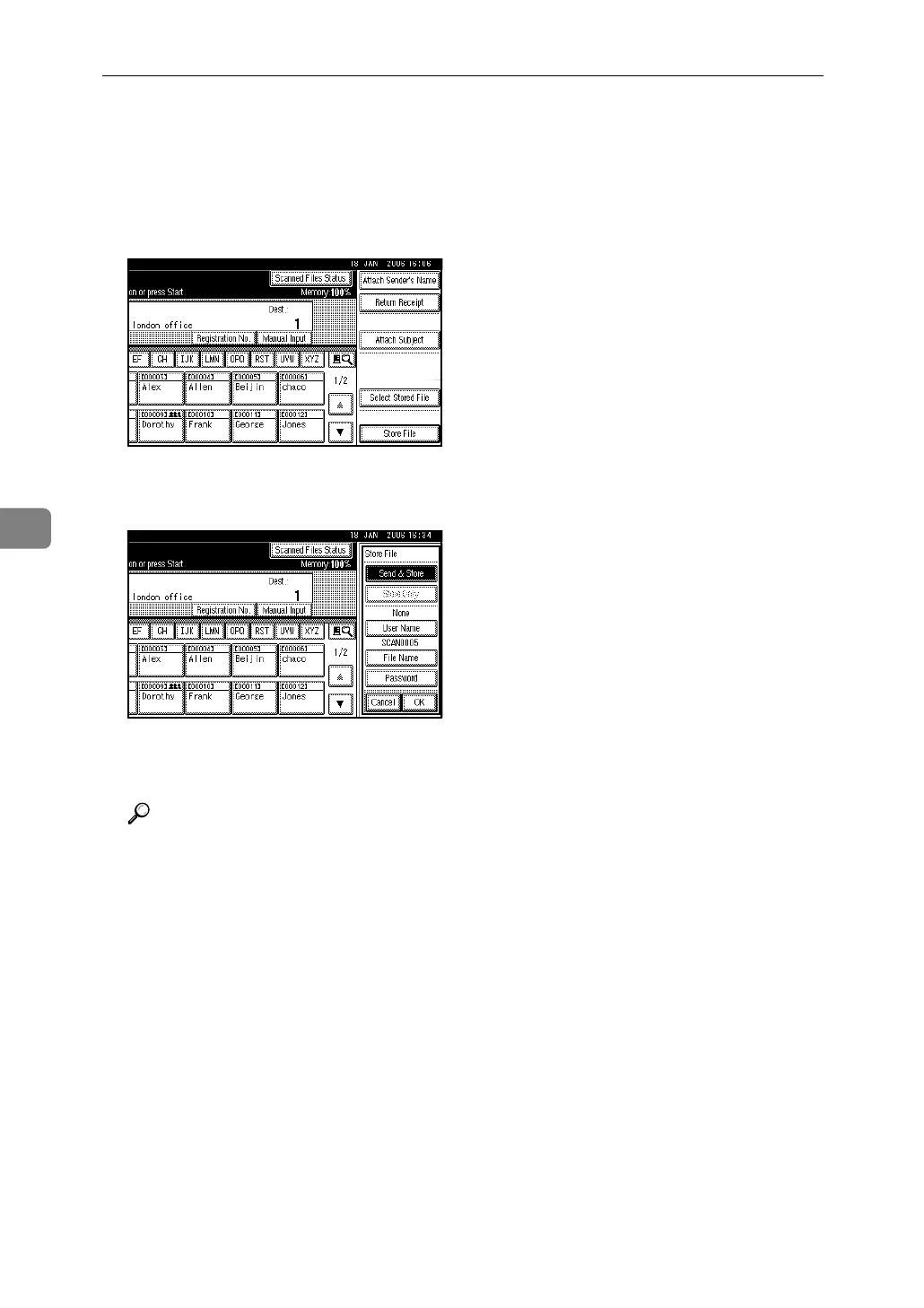
F Press [Store File].
G Make sure that [Send & Store] is se-
lected.
H Make settings for file informa-
tion if necessary.
Reference
For details about specifying file
information, see p.49 “Specify-
ing file information”.
I Press [OK].
J Press the {Start} key.



 To Next Page