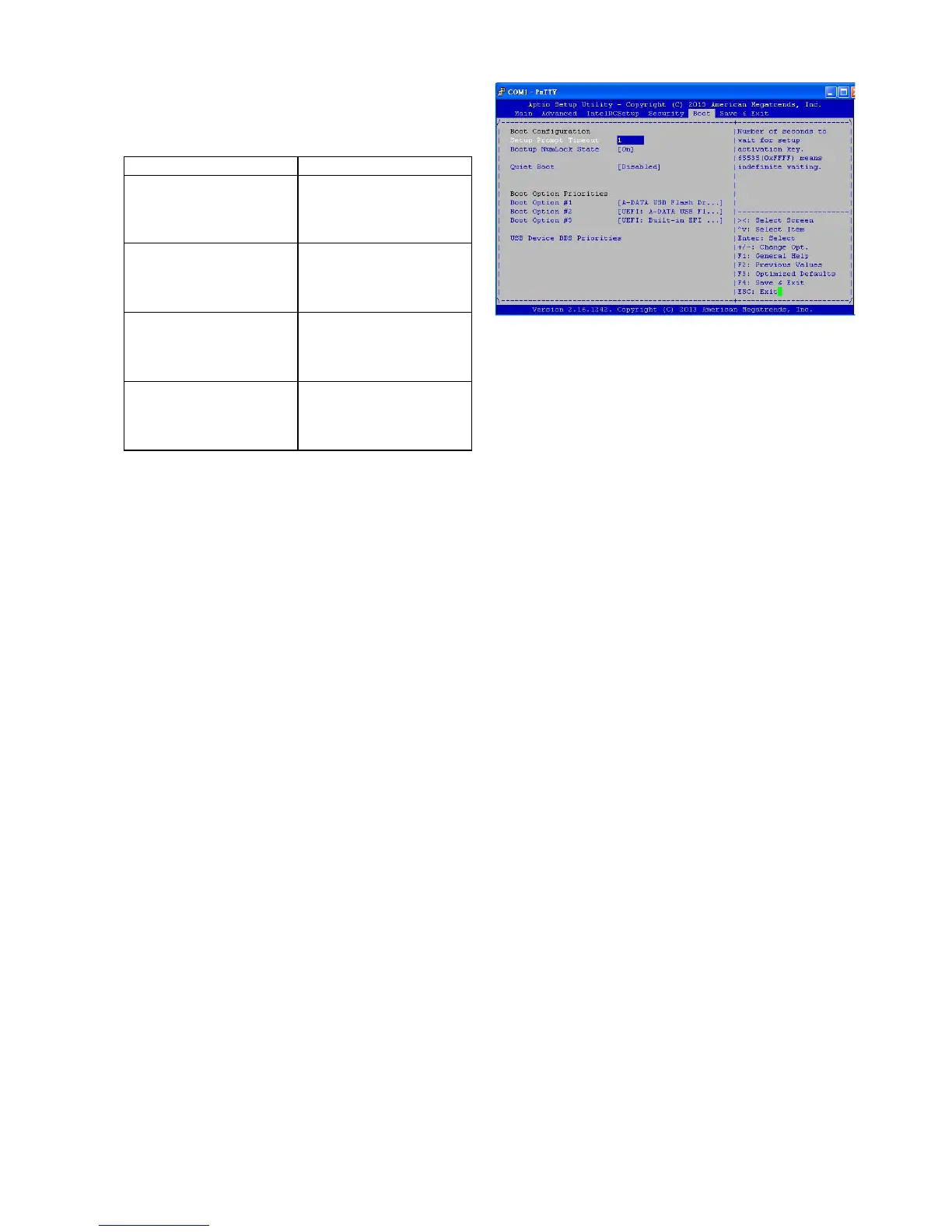
Boot Configuration
In this screen, you will be able to configure the boot
procedures and the related elements.
Items Options
Setup Prompt Timeout Specify the number of seconds
for the boot setup prompt to
wait for user’s intervention
during the POST.
Bootup Num-Lock State
This option lets you to
enable or disable the
function of the NumLock
key.
Quiet Boot
Enabling this item allows
the BIOS to suppress the
message displayed during
the POST.
Set Boot Priority
Use this screen to specify
the order in which the
system checks for the
device to boot from.



 To Next Page